
Bitwarden
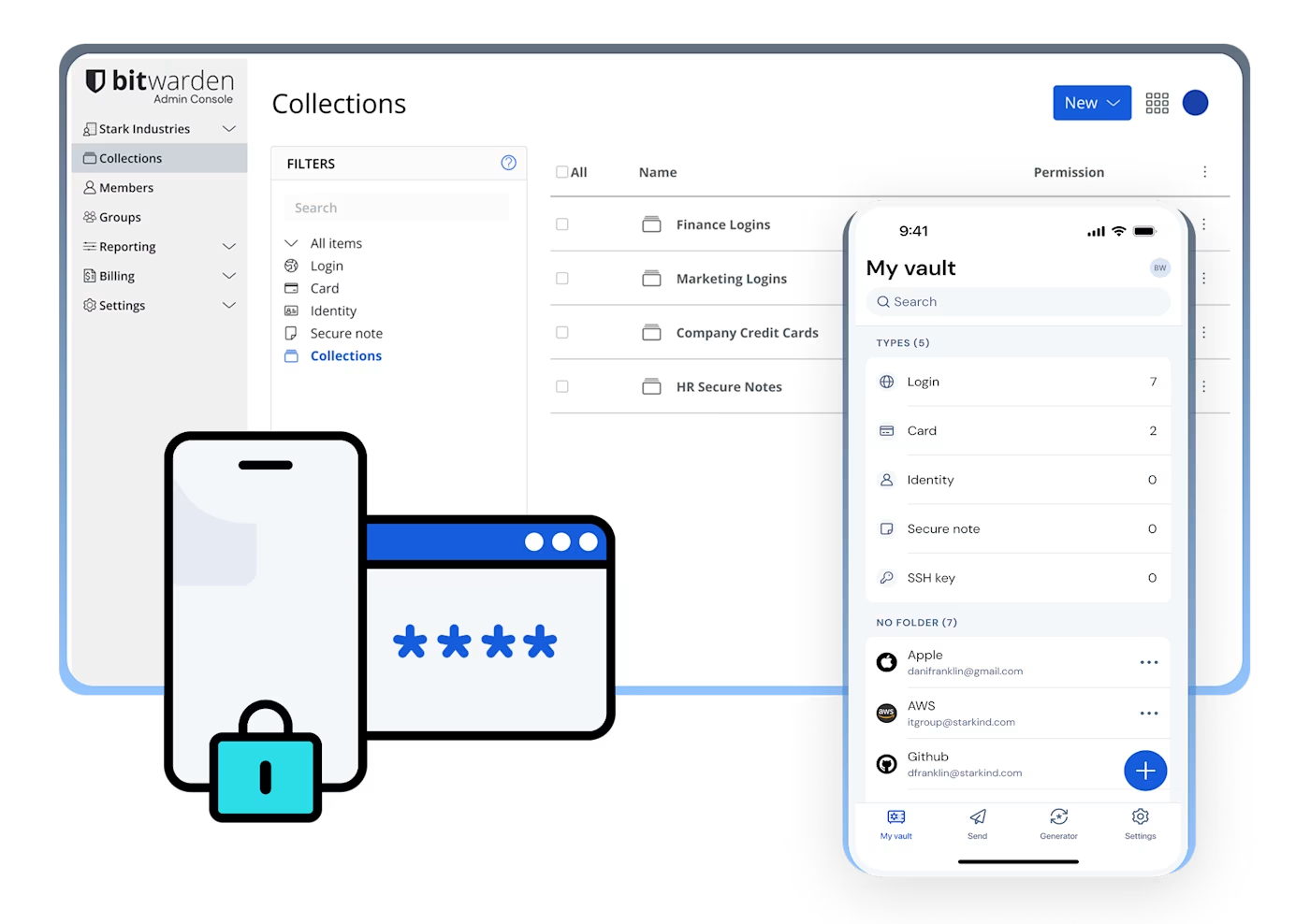
A password manager for storing and finding saved logins across your devices and browsers.
About this website
Store logins by account and find them again on your devices or in your browser. Choose an app or browser extension from the official page.
Key features
Keep account logins together
Find saved login items on the devices and browsers where you use them.
Review a matching login before autofilling
The browser extension can show logins that match a site address so you can choose one.
Getting started
- Choose an app or extension for your operating system or browser on the official download page.
- When creating an account, choose a strong master password you can remember and review the official recovery guidance.
- Add the website address to a login item, then review and select the matching item in the extension.
Before you use it
- A login item needs a website address to match a site. Autofill on page load is off by default, and the Safari extension does not support autofill from the right-click context menu.
- Bitwarden generally cannot retrieve or reset a forgotten master password. Without a signed-in device or an available recovery method, you may lose access to saved data.
- Bitwarden says data is encrypted on your device before it is sent to the cloud. This describes the provider's design; it is not an independent security guarantee.
- App support and plan details can change. Check the official download and pricing pages before choosing. Create and manage your Bitwarden account on its official service; Kitvilo does not ask for or store your credentials.
 bitwarden.comBitwardenOfficial downloads for Bitwarden password manager apps and browser extensions. Visit website
 Sources consulted
- Bitwarden downloads ↗
- Bitwarden pricing and plans ↗
- Autofill from browser extensions ↗
- Safari web extension ↗
- Encryption protocols ↗
- Forgot my master password ↗
Sources checked
Based on public documentation; not a full functional or security audit.