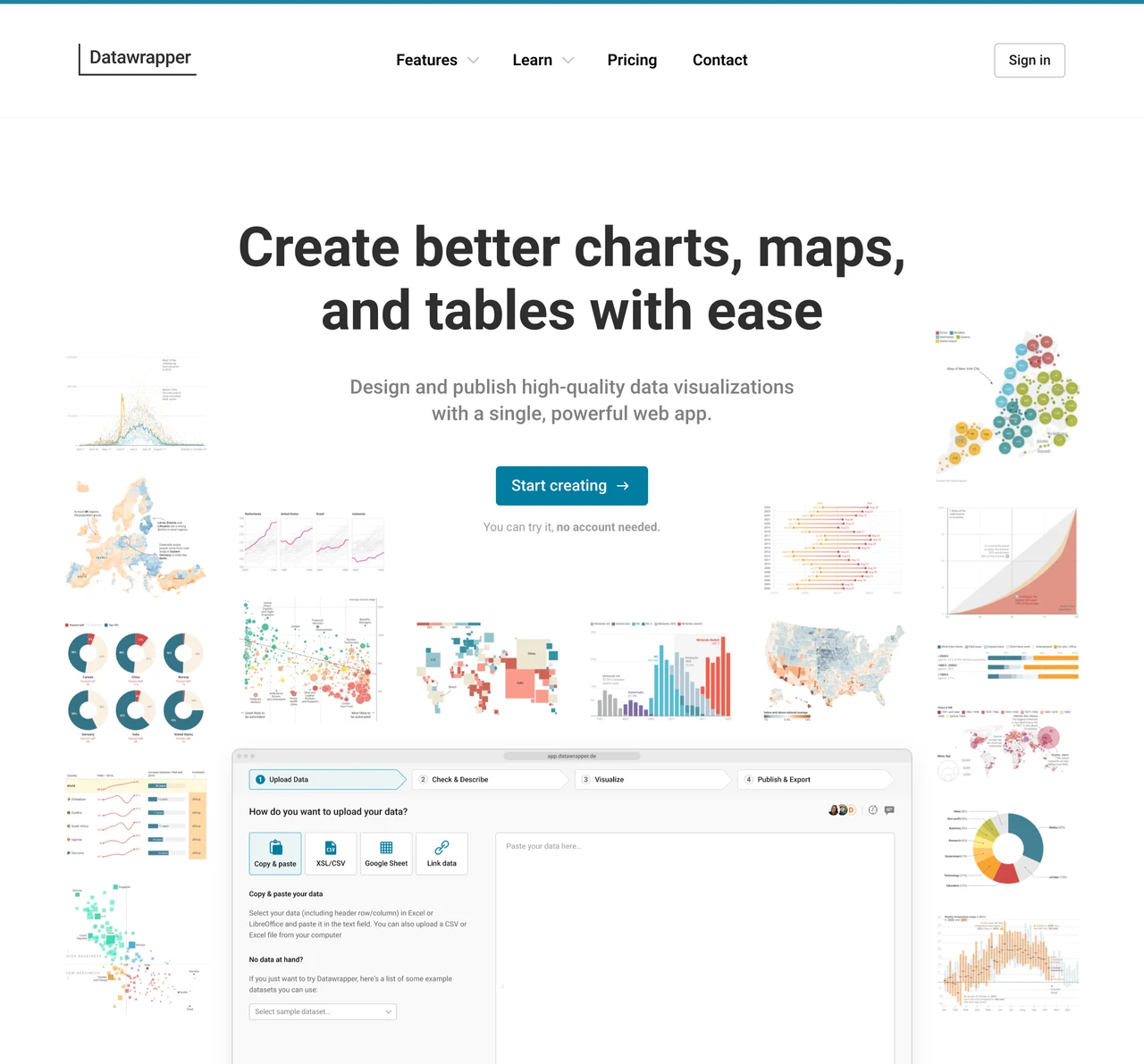
Datawrapper guide: turn Excel and CSV data into charts, maps and tables
Create visualizations from tabular data, publish them on the web or export PNG images. Compare the free plan with paid output options.
What can you do with it?
When a spreadsheet contains the numbers but the report still lacks a clear message, start with the question: compare categories, show change over time or explain a geographic pattern. Datawrapper provides a browser workflow for importing data, checking types and building a visualization with context. It is an external service, not a local-only file processor. Prepare a shareable copy rather than uploading customer details or confidential figures without checking your organisation’s rules.
Key features
Choose charts, maps or data tables for the question
Adjust axes, colours, annotations and sources without coding
Publish web embeds and export PNG images on the free plan
Getting started
- Review the official account and free-plan information, then prepare a copy of the table. Remove personal identifiers and record the meaning of columns, units and reporting period. Keep the original separate from the upload copy.
- Import the spreadsheet or CSV and check that headers, numbers and dates are interpreted correctly. Confirm decimal separators, currencies, missing values and the difference between a blank and zero. A rendered chart does not prove the import is accurate.
- Choose a format that fits the question: bars for category comparisons or lines for change over time, for example. For maps, match place names or codes to the geography. Review axis ranges, incomplete periods and sample sizes for misleading differences.
- Write a meaningful title and include units, period and data source. Add notes and a readable legend. Check long labels and narrow screens in preview, and use labels or explanations so meaning is not carried by colour alone.
- For a document, check PNG dimensions and text sharpness. For a website, inspect the published link and embed in the actual page. Compare totals and percentages against the source and keep an editable data copy and source record for later updates.
Before you use it
- The official Free plan includes web publishing and PNG downloads for charts, maps and tables. The displayed Pro price is US$21 per user/month excluding VAT, with PDF/SVG export and attribution removal among its options. Check billing choices and current prices before subscribing.
- Upload access, a published link and an embedded chart may have different sharing scopes. Check organisational rules and service data settings before using confidential information; a link is not automatically an access-control guarantee.
- The service does not validate the source data’s accuracy, representativeness or statistical meaning. Review missing values, rounding, units, axes and colours, then test readability and embedding in the destination.
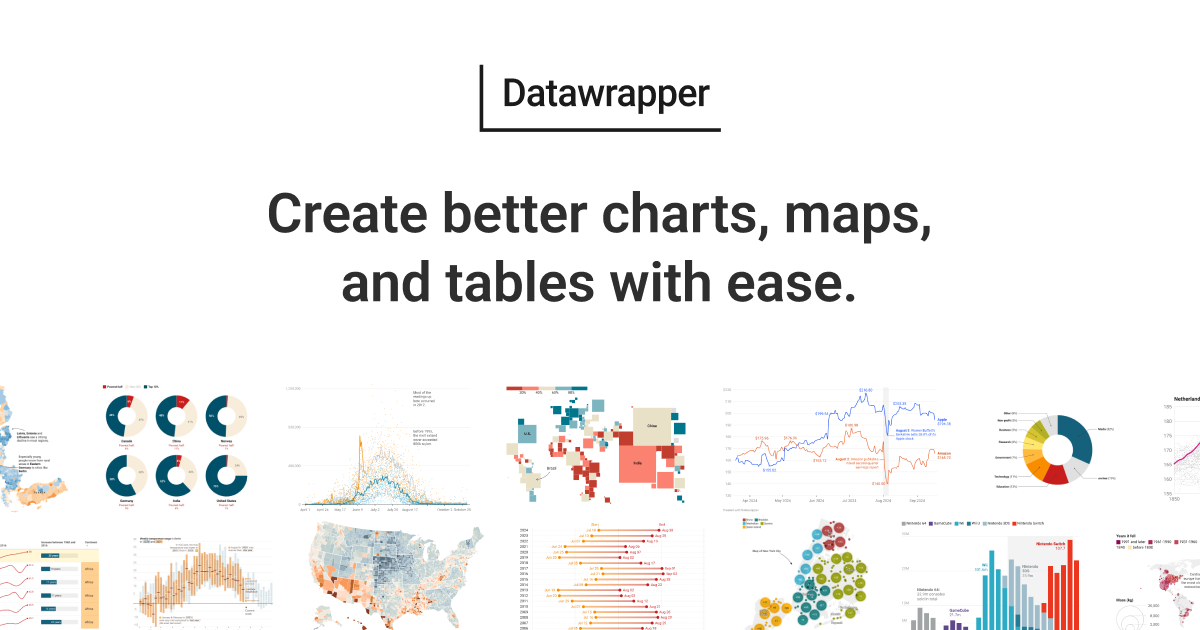 www.datawrapper.deDatawrapperCreate visualizations from tabular data, publish them on the web or export PNG images. Compare the free plan with paid output options. Open official page
 Sources consulted
Sources checked
Based on public documentation; not a full functional or security audit.