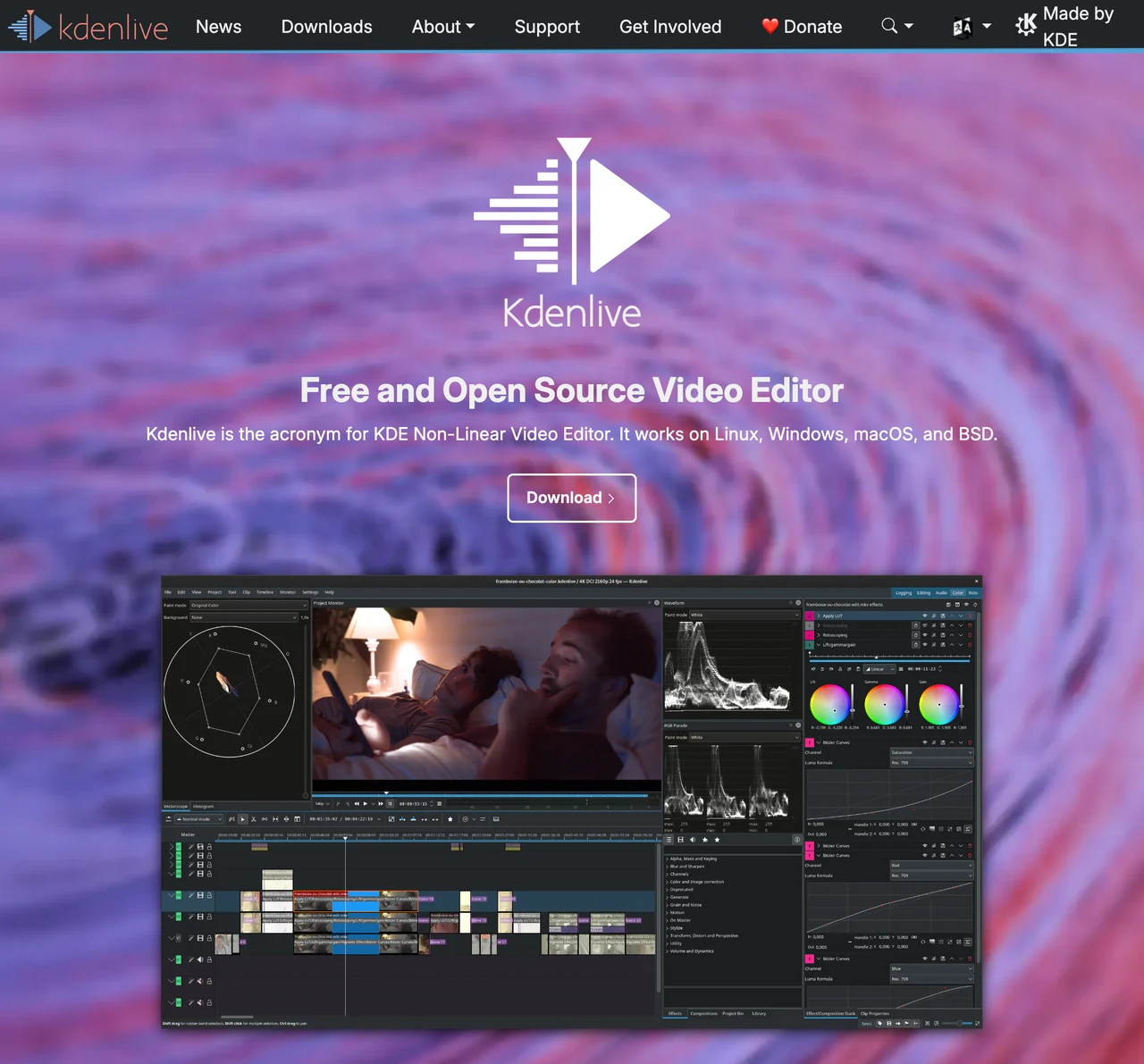
Kdenlive guide: free video editing, subtitles and timeline export
Cut and arrange multiple video and audio tracks with a free open-source editor. Learn to manage projects and source media before rendering the final video.
What can you do with it?
Unlike OBS for recording or HandBrake for converting an existing file, Kdenlive assembles scenes and sound on a timeline. Use it to remove unwanted lecture segments or add titles and music to recorded footage. Separate original media, editable project and delivery file before starting. Saving a project is not the same as exporting a playable video, and the media referenced by the project still needs to be managed.
Key features
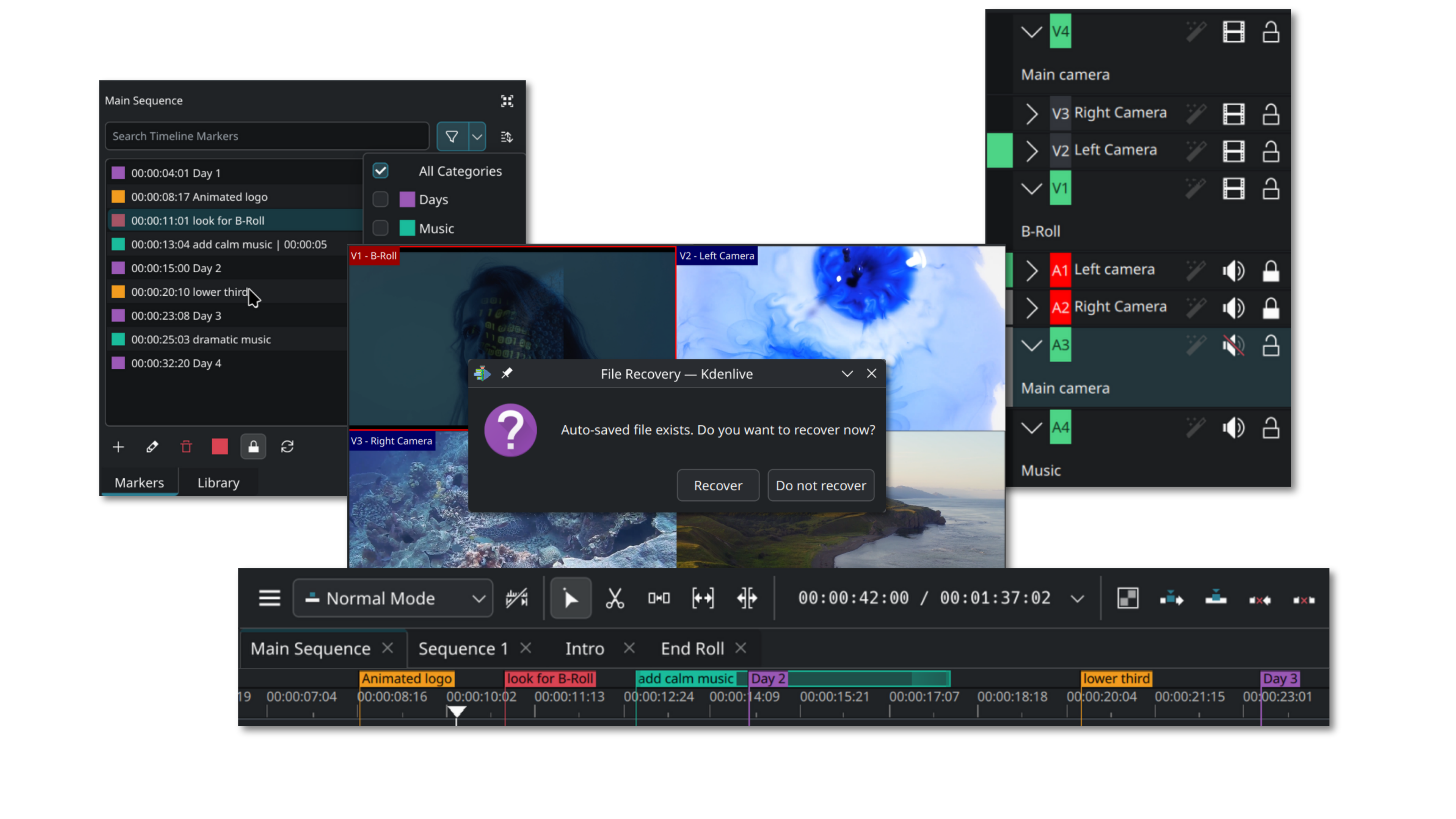
Multi-track video and audio cutting and arrangement
Proxy-media workflow for demanding source files
Subtitles, effects, transitions and separate rendering
Getting started
- Check the official download for your operating system. Create a project folder with organised video, audio and image subfolders. Choose resolution and frame rate for your source and destination, consulting the manual for version differences.
- Import clips into the Project Bin and check picture, sound and duration. For demanding footage, review proxy editing. Proxies are working substitutes, not permission to delete originals. Leave disk space for proxy and cache files.
- Arrange clips on the timeline and split or trim unwanted sections. Check which track and clip are selected before moving or deleting. Preview for unintended gaps or duplicated overlapping audio. Save a project copy before major changes.
- Add titles, subtitles and necessary effects, then check readability at the intended viewing size. Match subtitle timing to speech and listen to music together with dialogue. Review font, music and footage rights and the recipient’s subtitle requirements.
- Save the editable project, then choose rendering format and output range. Check full timeline versus selected zone; renaming an extension is not conversion. Open the exported file in a separate player and inspect start, middle and end for picture, sound, captions and duration. Keep project, media and delivery output separately.
Before you use it
- Kdenlive is free and open source, with official guidance for Linux, Windows and macOS. Check the supported installer and requirements for your system and version.
- Editing and rendering depend on codec, resolution, effects, length and hardware. Proxies and preview settings can reduce editing load but do not guarantee smooth use of every file or device.
- A project references media locations and edit instructions. Moving the project alone or deleting sources can leave missing media. Render a delivery video separately and back up both project and used media for later work.
 kdenlive.orgKdenliveCut and arrange multiple video and audio tracks with a free open-source editor. Learn to manage projects and source media before rendering the final video. Open official page
 Sources consulted
Sources checked
Based on public documentation; not a full functional or security audit.