
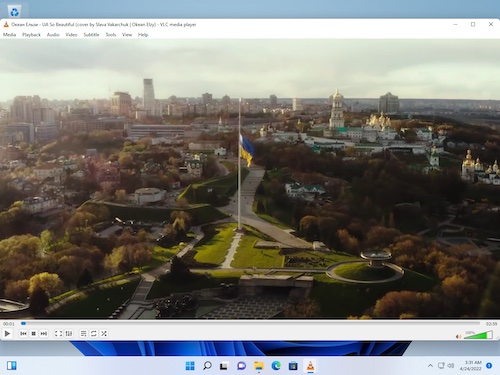
VLC
VLC is VideoLAN's free, open-source media player for most files, discs, and network streams.
About this website
VLC is VideoLAN's media player for video and audio files, discs, and streams. Choose the app for your platform on the official page.
Key features
Play files, discs, and streams
Open video or audio files on your device, discs, and network streams.
Broad support for common media codecs
VideoLAN says VLC plays most codecs without a separate codec pack.
Getting started
- Choose the VLC app for your operating system and device on the official download page.
- Check the current OS version, processor type, and installation option in the official guidance.
- After installing, open a file or disc you have access to, or a network stream from a source you trust.
Before you use it
- VideoLAN says VLC plays most media files. Playback can depend on the file's codecs, whether it is damaged, and the device.
- Supported versions and installation methods can differ across Windows, macOS, Linux, and mobile apps, and may change. Check the current official page before installing.
- A network stream may connect to the remote address you choose, so check its source. Kitvilo does not receive or store media files or stream addresses.
- VLC is a player. Kitvilo does not convert files or download videos.
 www.videolan.orgVLCOfficial VLC media player downloads and installation guidance for each platform. Visit website
 Sources consulted
Sources checked
Based on public documentation; not a full functional or security audit.