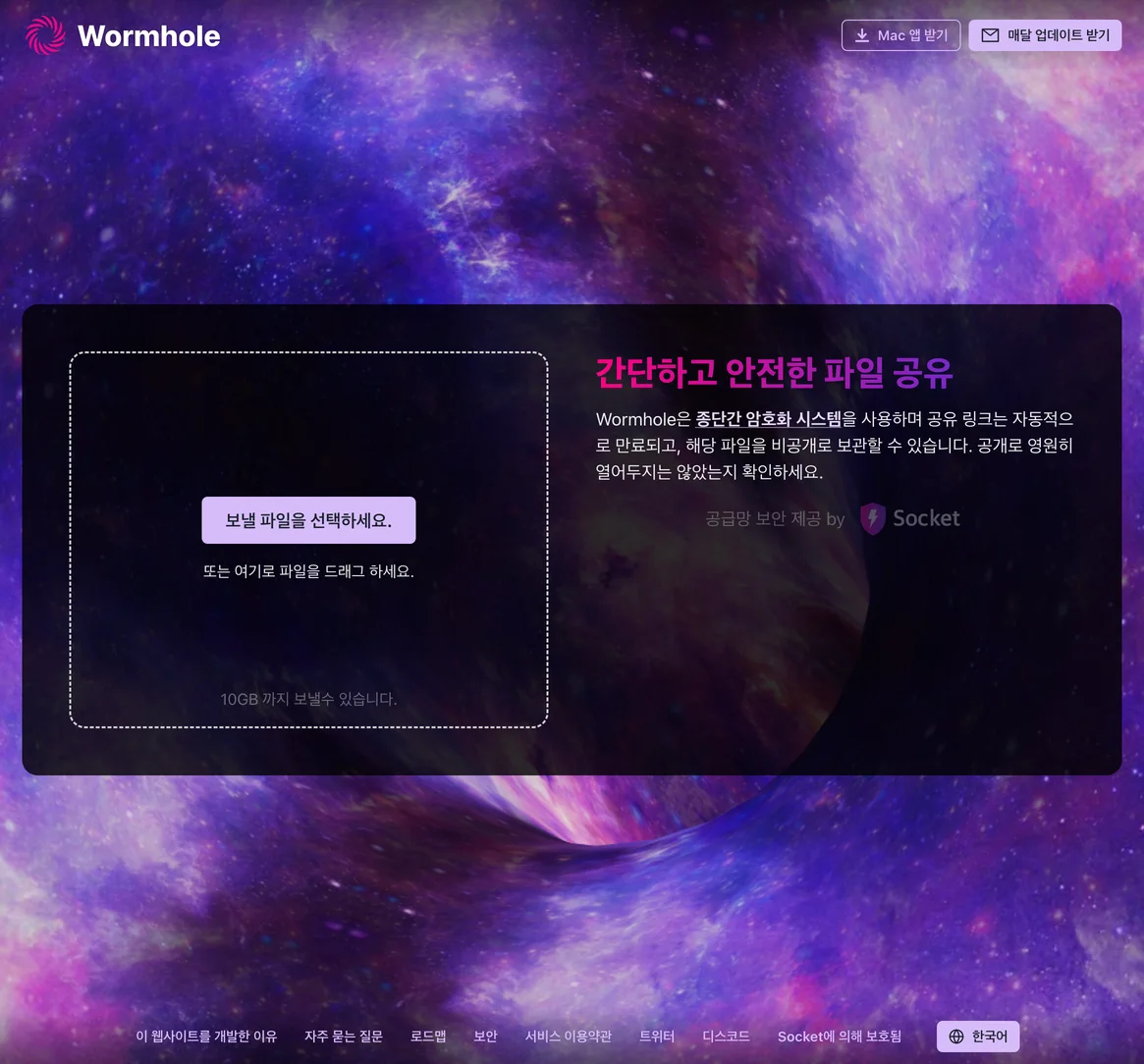
Wormhole guide: share large files by link and understand expiry
A browser service for sharing files up to 10 GB with end-to-end encryption and expiring links.
What can you do with it?
Consider Wormhole for sending a file to someone elsewhere or downloading it briefly on another device. Starting in a browser differs from permanent cloud storage or a local-network transfer app. Before choosing it, check when the recipient will connect and whether the sending tab can stay open, not only the headline size limit.
Key features
A share link can reach recipients outside your local Wi-Fi network.
The homepage advertises up to 10 GB, with separate FAQ conditions for files over 5 GB.
The documented design encrypts files before they leave the browser. The share link contains access information and must also be protected.
Getting started
- Open the official homepage and choose the intended files. Check names, count and total size, and remove documents or personal details that were included accidentally. Give multiple files recognizable names and keep an independent copy of the originals before starting.
- Watch the actual upload progress and readiness state after selection. A displayed link alone does not prove receipt. The FAQ describes server storage for 24 hours for files up to 5 GB; above 5 GB, it says to keep the sending page open for peer-to-peer transfer. Distinguish these conditions from the homepage’s 10 GB maximum.
- Send the complete share link only to the intended recipient. Information after the # is used for decryption, so truncating the address can make it unusable. Avoid public posts or screens visible to others. Recipients should also confirm that the file was expected before opening it.
- The recipient opens the link, checks the names and sizes, and saves the files. After downloading, open the actual documents or media and check that every expected item arrived. Keep the originals until this is confirmed. Connection speed and device/browser conditions on both sides affect the duration.
- If transfer stops, check both pages and network connections first. Mobile screen lock, backgrounding, closing the browser or a large-file P2P problem may interrupt it. Do not assume an expired link can be recovered like permanent storage; ask the sender to create a new transfer. Compare completed and partial downloads before retrying to avoid duplicates.
Before you use it
- Pricing: the reviewed official homepage and FAQ did not show a finalized price table; Pro is described as a future plan. No paid price or unverified free allowance is asserted here. Check the current transfer screen for applicable terms. Carrier data charges are separate.
- Recheck expiry and download-count settings on the current screen. The FAQ’s 24-hour storage description is not a guarantee that every file remains receivable for that entire time. Large transfers may stop if the sending browser closes or the device sleeps.
- Encryption does not prevent sharing the link with the wrong person or make received files harmless. Follow organizational rules for sensitive material. This article checks official material and the initial page; it is not a file-transfer test, security audit or speed certification for every device.
wormhole.appWormholeA browser service for sharing files up to 10 GB with end-to-end encryption and expiring links. Open official page Sources consulted
Sources checked
Based on public documentation; not a full functional or security audit.