Zotero Guide: Organize Papers, PDFs and Bibliographies
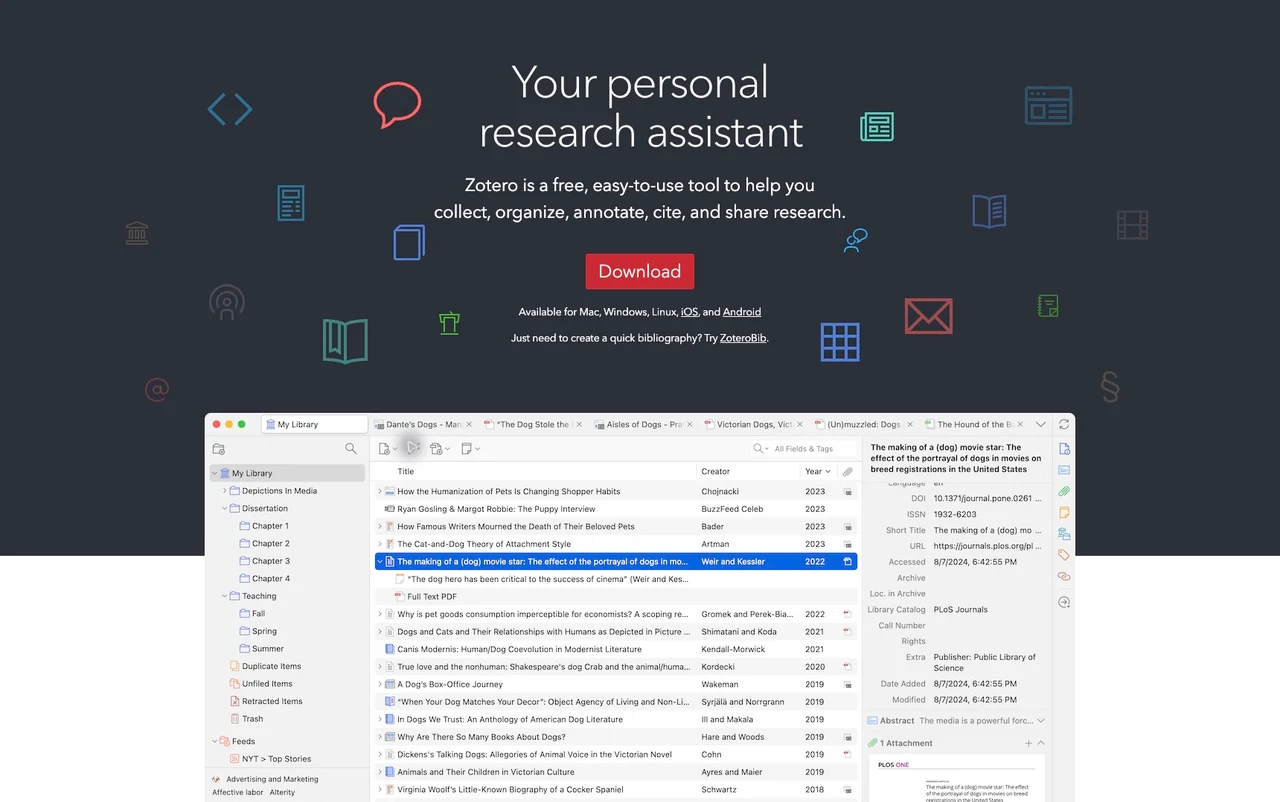
A free research manager for bibliographic records, PDF annotations, citations and reference lists. Attachment cloud storage has a separate allowance.
What can you do with it?
If papers pile up in Downloads and you repeatedly look up authors or publication years, a reference manager can help. Zotero links bibliographic records with PDFs, notes and document citations. Imported metadata still needs review; it does not read the research for you or guarantee accurate references. Start by separating local organization from optional account and file-sync services.
Key features
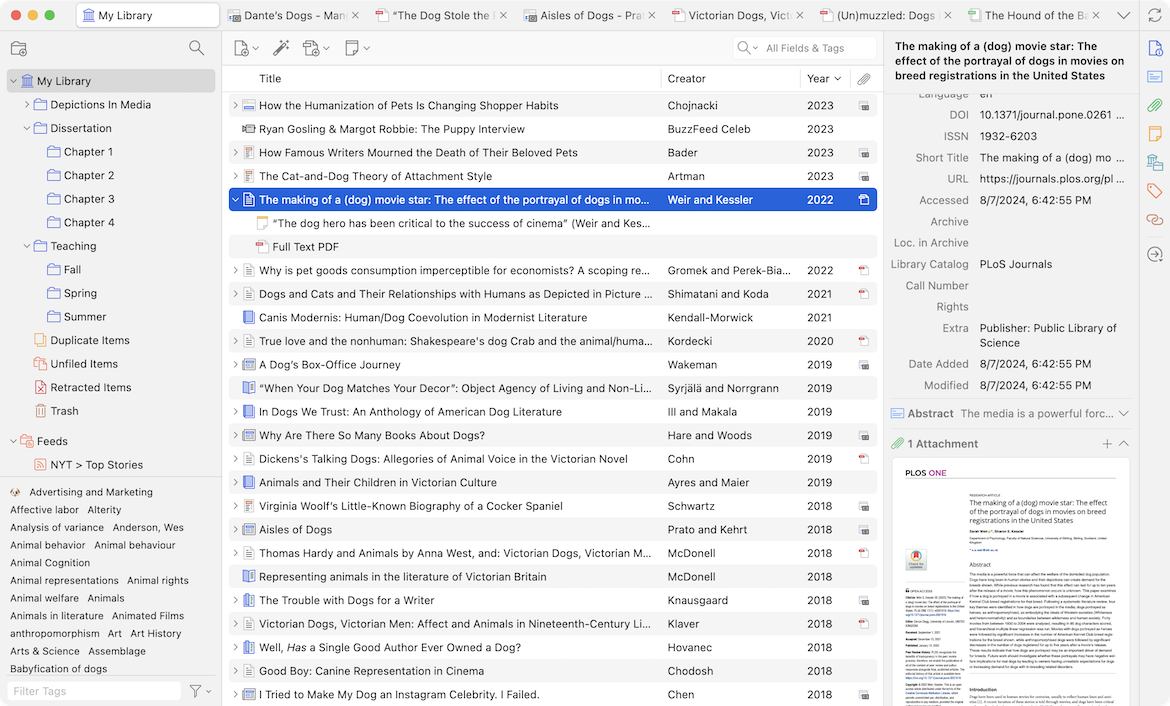
Collect references into collections and tags
Annotate PDFs and link notes to sources
Work with citations in Word, LibreOffice and Google Docs
Getting started
- Choose the desktop download for your operating system from the official site. For browser collection, check the supported Zotero Connector instructions. Installing the program and creating an account are different steps; start with the local workflow you need.
- Create a collection for a project. Collect from a paper or book page, or add a record using an identifier such as DOI or ISBN. Compare the saved title, authors, year and item type with the original source.
- Attach a PDF you are entitled to use, then add reading annotations and notes. Collections and tags help reuse material across projects. Do not assume a PDF always receives complete, correct metadata automatically; fill missing fields.
- Follow the supported Word, LibreOffice or Google Docs integration instructions to insert citations and choose the required style. Generate the bibliography and check ordering, page numbers and names after editing citations. Keep a document copy before submission.
- For multiple devices, review account, data and file-sync options in the official Sync settings. Free cloud attachment space is separate from local disk space. Check sensitive-material policies and keep an independent backup of the library and attachments.
Before you use it
- The program is free and available for Mac, Windows and Linux. Citation integration needs a compatible document app and plugin setup.
- Official Zotero Storage includes300 MB of attachment storage free. The2 GB plan is listed at US$20/year; larger plans exist. Check current storage and pricing before paying.
- Sync is optional and is not the same as backup. Review imported metadata, citation style, page numbers and shared-library visibility yourself.
 www.zotero.orgZoteroA free research manager for bibliographic records, PDF annotations, citations and reference lists. Attachment cloud storage has a separate allowance. Open official page
 Sources consulted
Sources checked
Based on public documentation; not a full functional or security audit.