Find a Fansly Creator: 6 Ways Using Usernames and Profile Links
Find a public Fansly creator by username, a shared profile link or their public social accounts. Learn what to try without a username and when a profile link will not open.
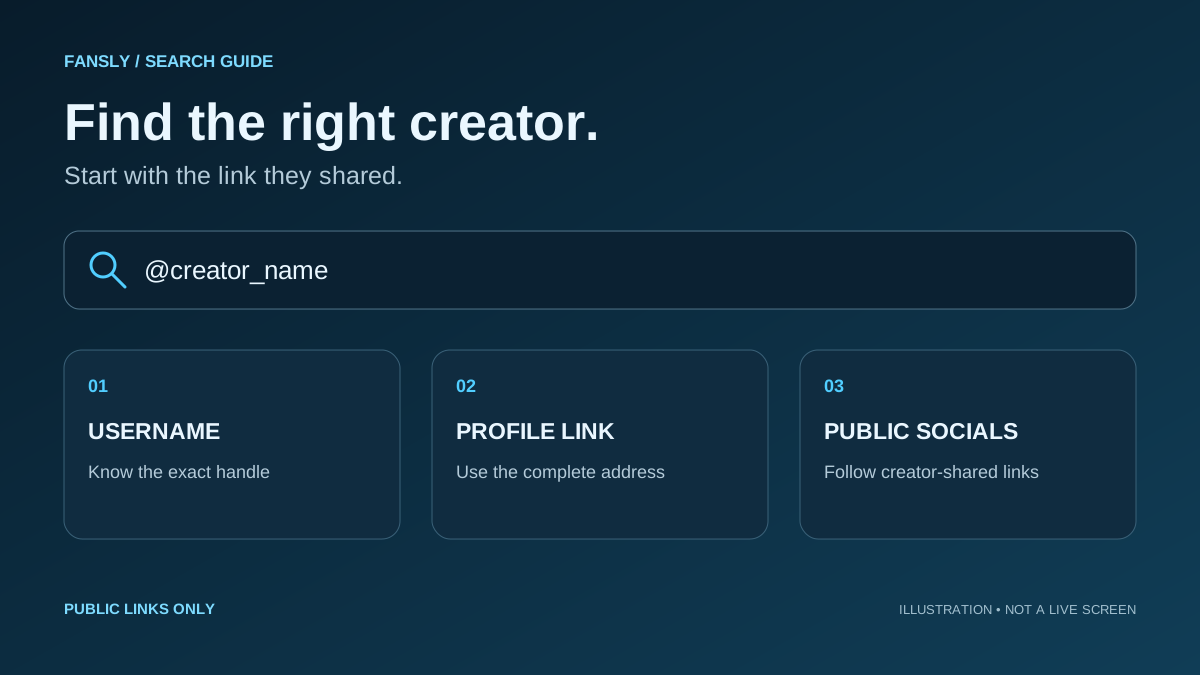
Looking for a creator who publishes on Fansly but cannot remember their username? A display name and the handle in a profile URL can differ. Start with what you actually have: a handle, a complete link or a public social profile the creator already uses.
Search with a username
Enter the handle you know and compare the username in each result. Matching display names alone do not establish that two accounts belong to the same creator. Check digits, underscores and similar-looking letters.
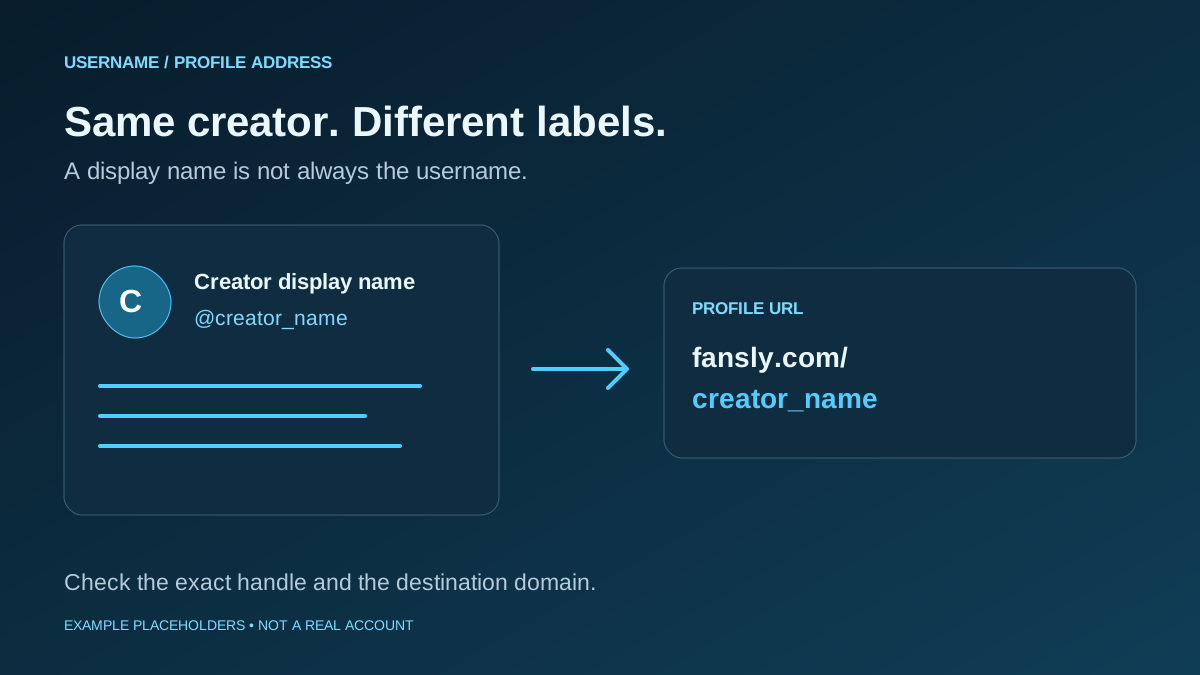
Copy the handle when available and compare it character by character. creator_name is a placeholder, not an account recommendation.
Open a shared profile link
A complete link shared by the creator avoids having to choose among search results. An example address is https://fansly.com/username. Check the domain before entering login details.
Look for a truncated address or stray spaces. If a short link fails, request the current complete link rather than trusting an unfamiliar redirect.
Find the link without a username
Start from a public X, Instagram or Reddit account you already know belongs to the creator. Their bio, pinned post or link page may contain a Fansly link they chose to publish. Handles need not match across platforms.
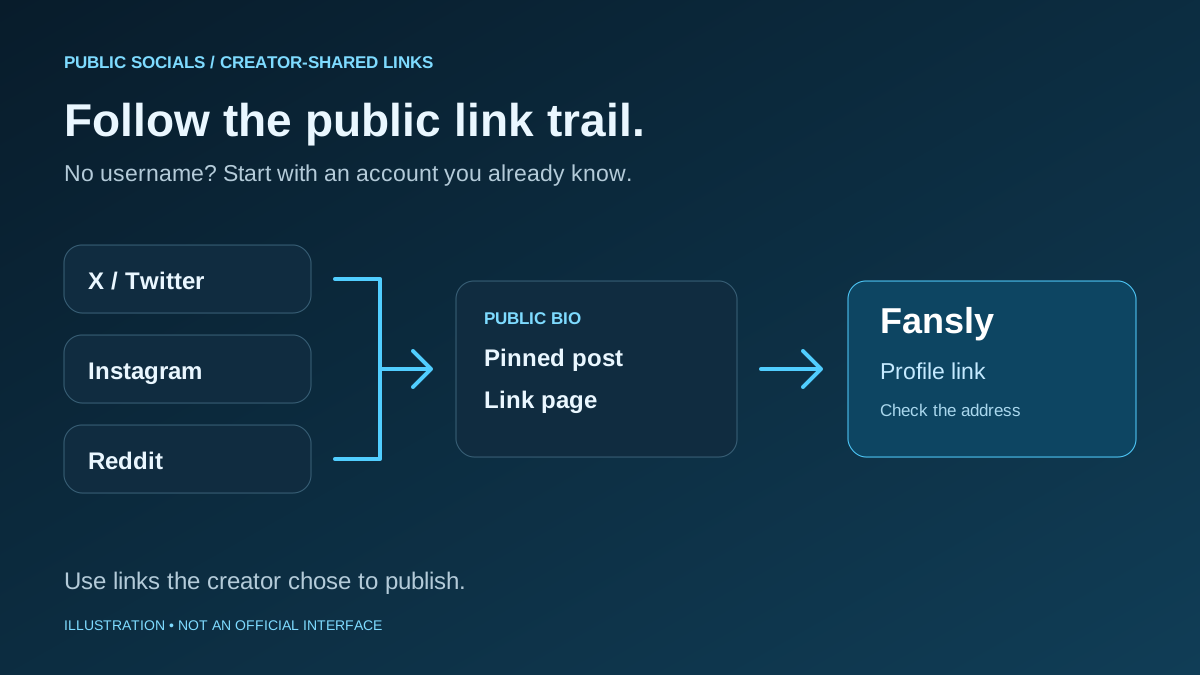
Follow public social profile → bio or pinned post → link page → Fansly, then check the destination address.
Narrow results with a display name
A display name may be shared by several accounts. Use the creator’s public stage name, brand and bio to narrow the candidates; do not treat a name match as proof.
Look for a link from the established public account before paying. This guide does not investigate private identities or real names.
Use public branding as a secondary check
For a profile you have already found, compare the public logo, bio and stage name with the creator’s established account. Pictures can change or be copied and cannot verify identity on their own.
Prefer a link the creator published. Do not use face lookup to investigate a private person’s participation on an adult platform.
Search public pages with Google or Bing
Try the public handle with Fansly, or a query such as site:fansly.com creator_name. Search engines only return pages they have collected; current or newly created profiles may be absent.
Try site:fansly.com "creator_name" and compare the actual destination with the creator’s published link, not just the result title.
Which method should you start with?
| Method | Information available |
|---|---|
| Search with a username | An exact username |
| Open a shared profile link | A complete profile URL |
| Find the link without a username | The creator’s public social account |
| Narrow results with a display name | A public stage or display name |
| Use public branding as a secondary check | A public profile already found |
| Search public pages with Google or Bing | A public handle or stage name |
3 checks when search does not work
- Check spelling and distinguish the display name from the username used in the URL. Compare digits and underscores with the latest published link.
- Look for an updated link. A changed username, profile status or access requirements can make an old address unavailable. Missing results do not prove an account does not exist.
- Do not enter login or payment details into an unknown viewer or lookup site. If no official connection is available, stop and request a current link through the creator’s published contact channel.
Frequently asked questions
Can I find a creator without their Fansly username?
If you know their public social account, check their bio, pinned posts and link page for a link they published. If they have not shared a connection, you may not find one.
What if a Fansly profile link will not open?
Check for truncation or a copying error and compare it with the latest full link on the creator’s public account. Profile status and access requirements may also matter; do not assume a bypass is appropriate.
Is a display name the same as a username?
A display name is shown on the profile; a username identifies it in its address. They can match, but do not have to. Check the actual handle separately.
Does no search result mean there is no account?
No. Spelling, name changes, search indexing and the profile’s current state can affect results. Do not infer a private person’s account status from an empty search.
Start with an official link; confirm the address
The strongest starting point is a link published by the creator. Expand from an exact handle to public social links and then web search. A name or picture alone is not confirmation; if you cannot establish the official connection, avoid further personal tracing.
Open the official Fansly site