5 Image Tools Compared: Editing, Compression, GIF, SVG and Drawing
Compare Photopea, Squoosh, SVGOMG, EZGIF and Excalidraw by task: layers, smaller images, animation, vector optimization and sketches.
Image work is not one job. Editing text and layers, reducing an already finished photo, and building an animated GIF need different tools. Start with the source format and intended output to avoid needless uploads and repeated exports. These five are starting points for different jobs, not a speed ranking. Check the processing location and conditions of the actual feature you plan to use.
Compare 5 tools
| Tools | Standout feature | Pricing |
|---|---|---|
| Photopea | Use layered compositing and design features beyond simple image resizing. | Free |
| Squoosh | Compare size and visual quality to choose JPEG, WebP and other compression settings. | Free |
| SVGOMG | Optimise SVG icons and illustrations and compare the original with the result. | Free |
| EZGIF | Create short explanatory animations from longer videos. | Free |
| Excalidraw | Sketch system structures or meeting notes on a canvas and export PNG or SVG. | Free |
Photopea
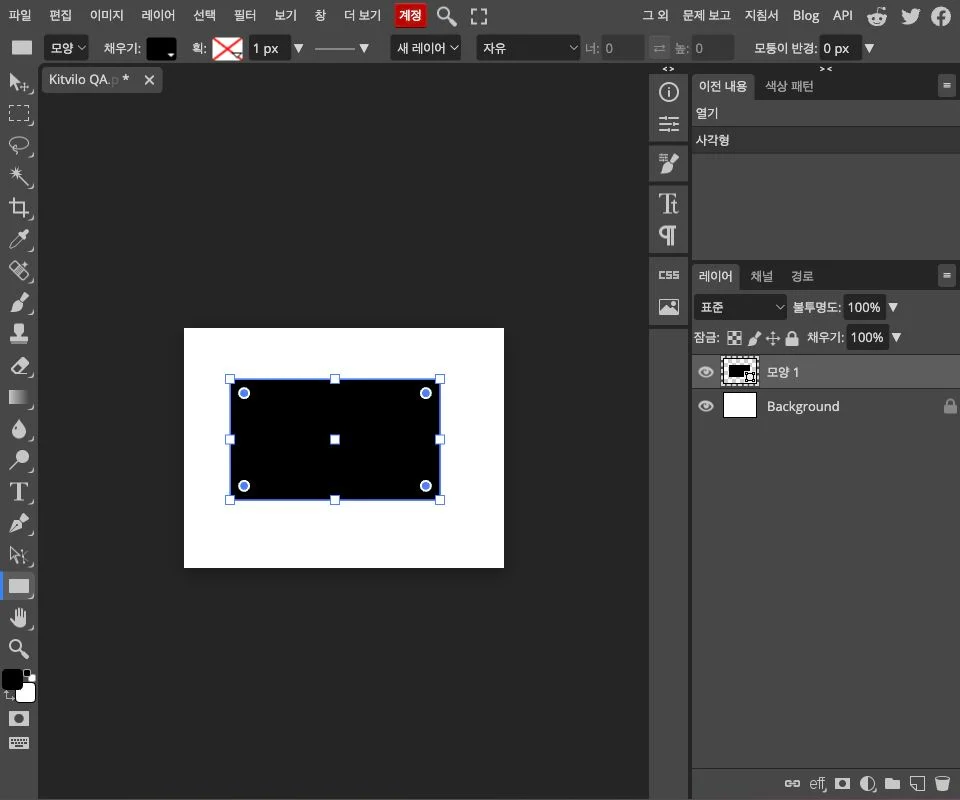
Edit images, PSD documents, layers and masks in a browser-based graphics editor.
Advantages
- Use layered compositing and design features beyond simple image resizing.
Pricing
- FreeCore web editor free · Premium and other paid options separate
(Official site · checked Oct 24, 2026)
Squoosh
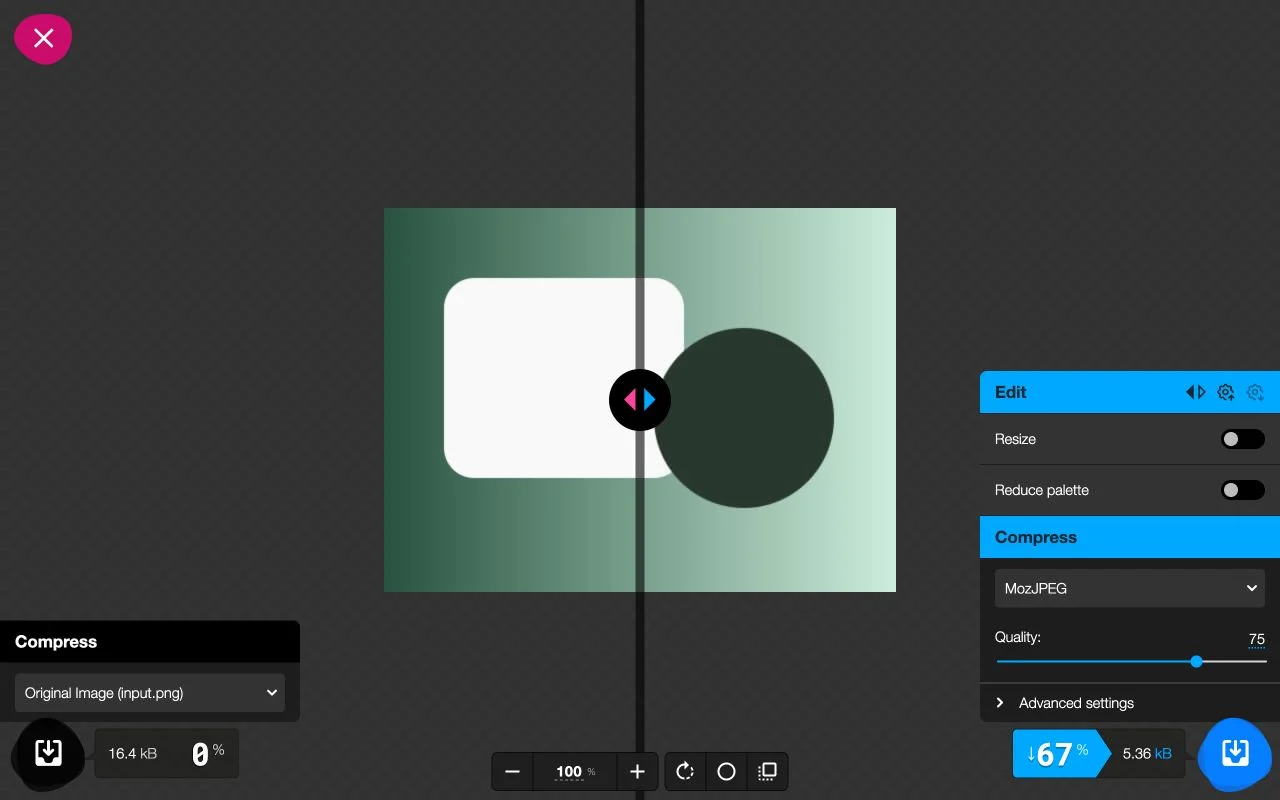
Compare original and compressed images while adjusting format, quality and dimensions.
Advantages
- Compare size and visual quality to choose JPEG, WebP and other compression settings.
Pricing
- Free(Official site · checked Oct 24, 2026)
SVGOMG
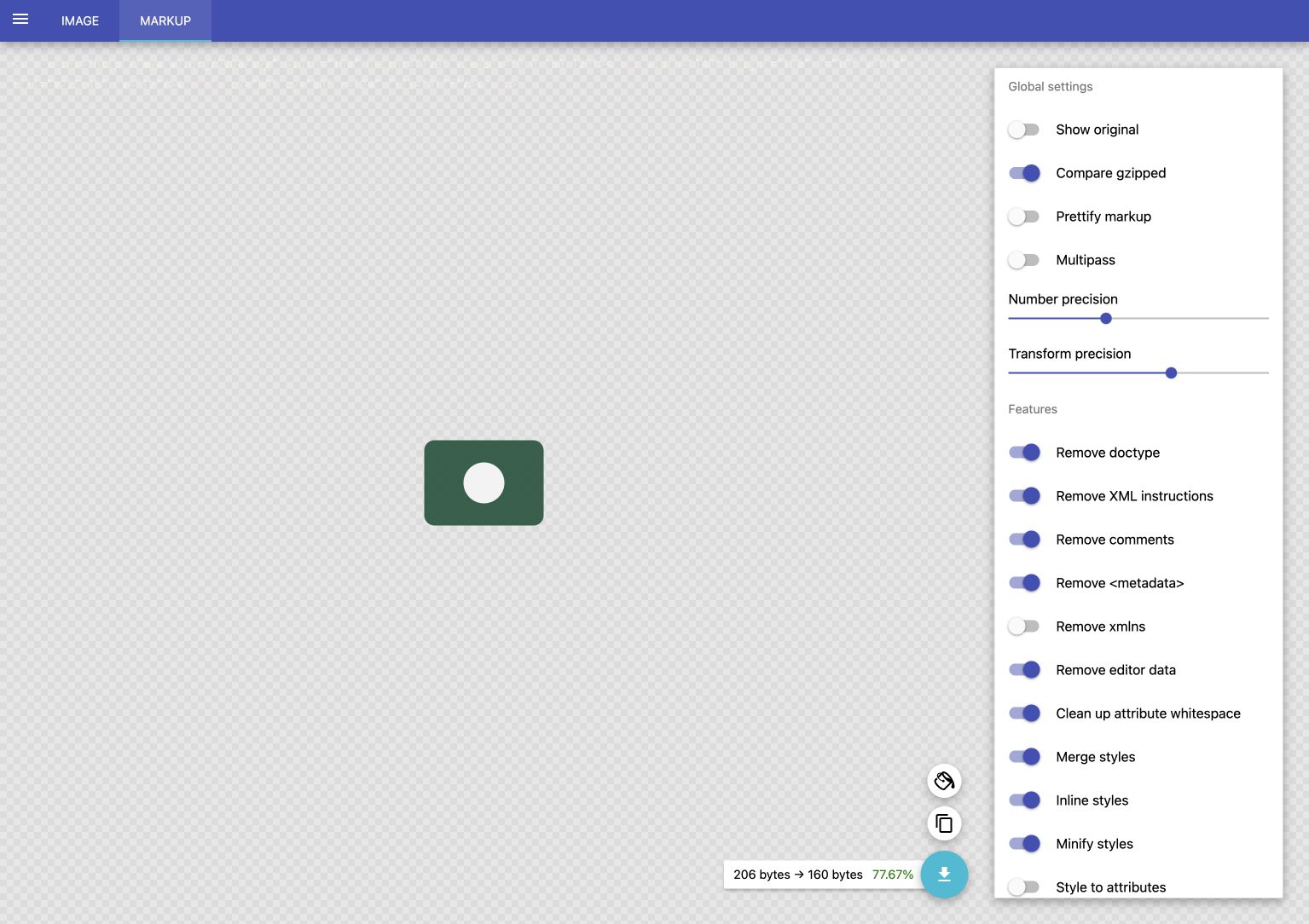
Preview SVG while reducing unnecessary code and numeric precision with SVGO.
Advantages
- Optimise SVG icons and illustrations and compare the original with the result.
Pricing
- Free(Official site · checked Oct 24, 2026)
EZGIF
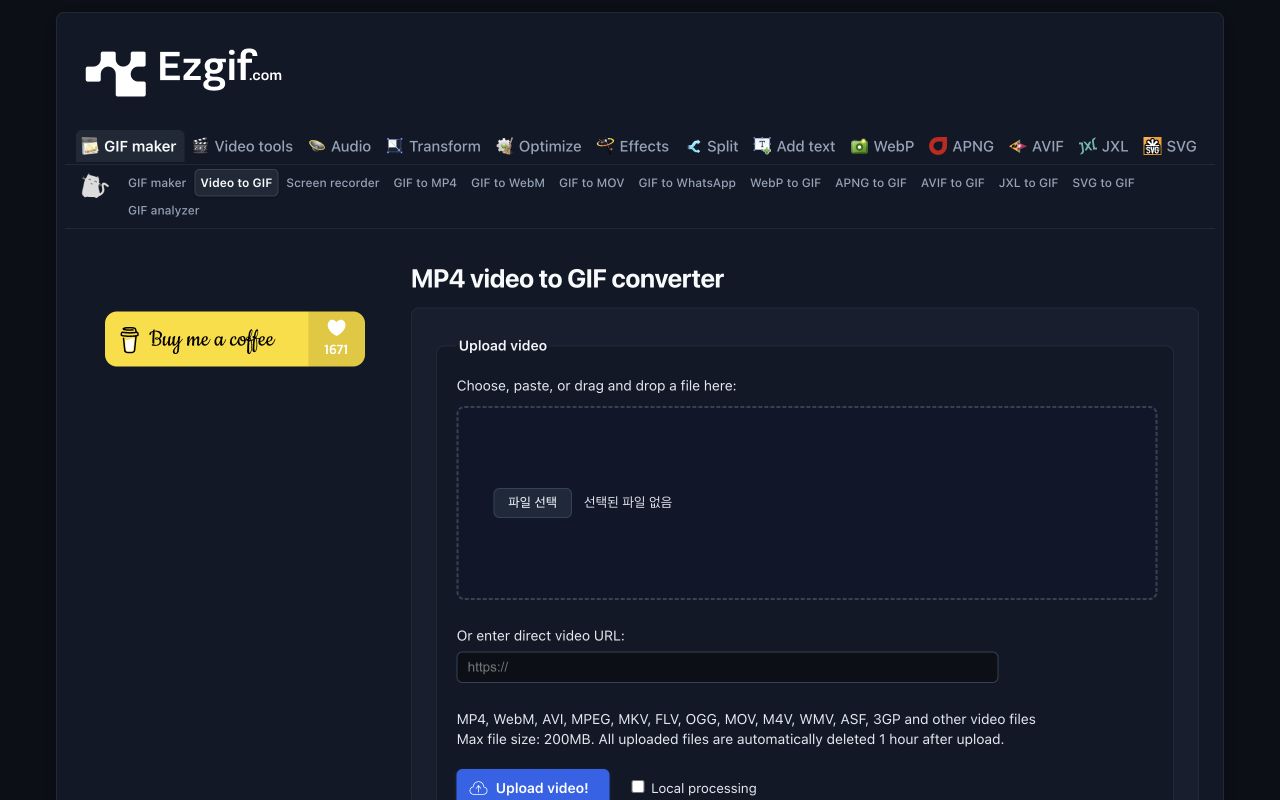
Convert a video segment to GIF and adjust its dimensions, frame rate and file size.
Advantages
- Create short explanatory animations from longer videos.
Pricing
- Free(Official site · checked Oct 23, 2026)
Excalidraw
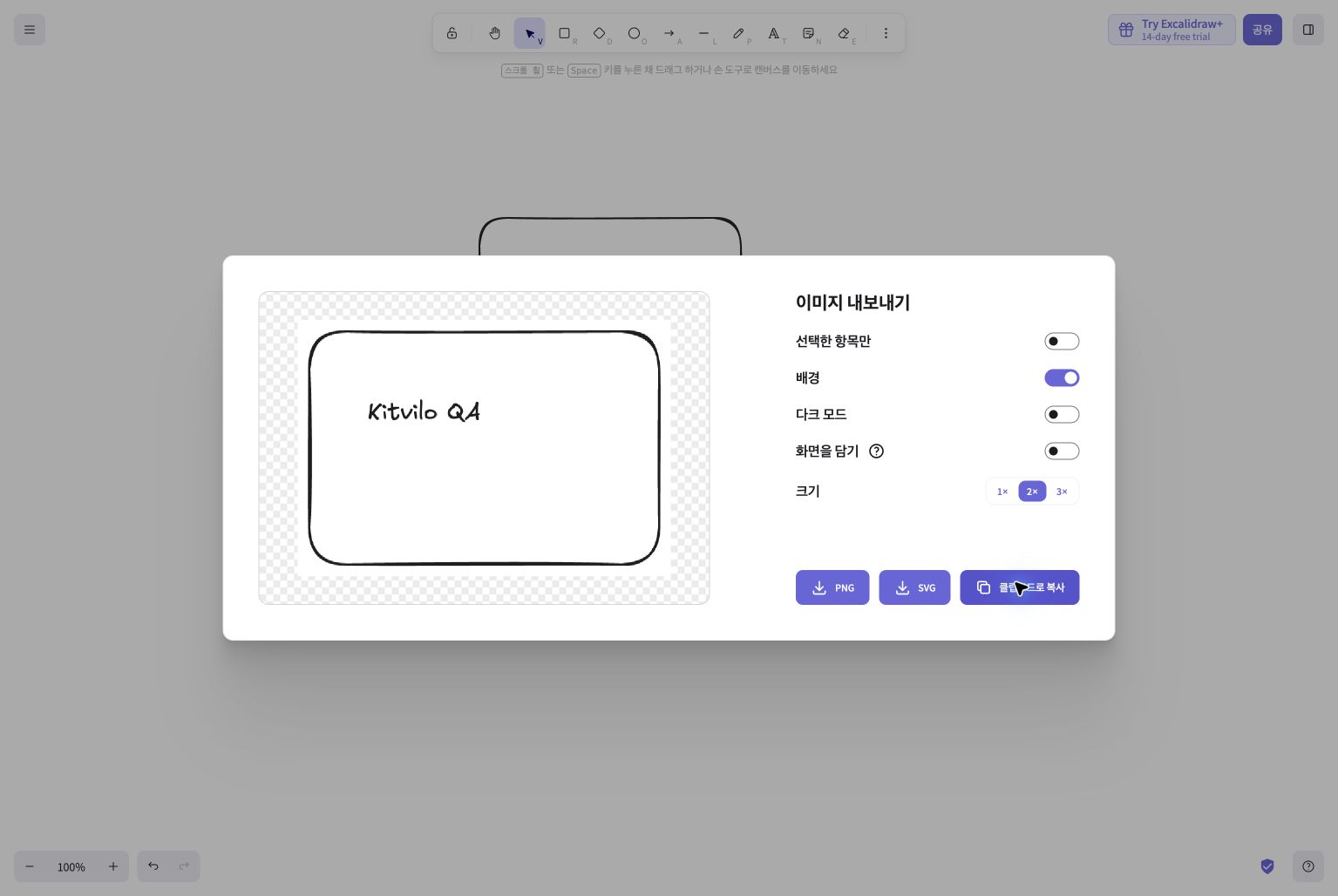
A web whiteboard for flowcharts and ideas using hand-drawn shapes, arrows and text.
Advantages
- Sketch system structures or meeting notes on a canvas and export PNG or SVG.
Pricing
- FreeCore web editor free · Excalidraw+ and other paid options separate
(Official site · checked Oct 24, 2026)
Choose by task
Start with Photopea for layers, Squoosh for still-image compression, SVGOMG for SVG optimization, EZGIF for animation and Excalidraw for explanatory sketches. Keep originals and editable projects, then make a separate delivery copy. Check text edges and transparency after compression, motion and looping for GIFs, and shapes at different scales for vectors. Where modes exist, confirm whether the selected operation runs locally or on a server.
Sources
Based on public documentation; not a full functional or security audit.