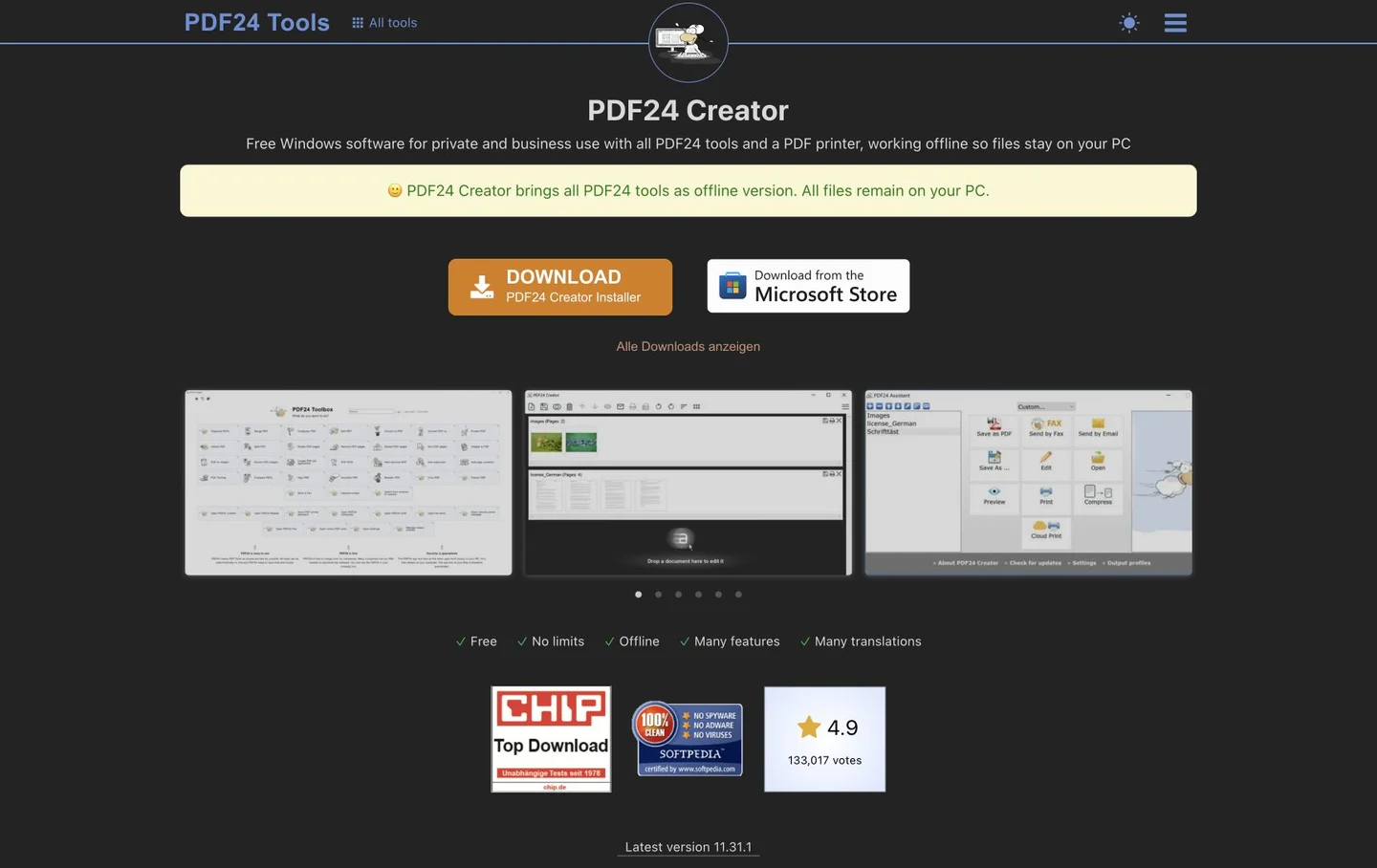
PDF24 Creator guide: offline PDF compression, merging and OCR
Compress PDFs, arrange pages and add searchable text to scans with a free Windows desktop tool. Distinguish Creator from the online tools.
What can you do with it?
Use PDF24 Creator when an attachment exceeds a submission limit or several scans need to become one PDF. The Windows application includes compression, merging, splitting, rotation and OCR. Its offline tools process documents on your PC; that is different from uploading to the similarly named PDF24 online tools. Work with a delivery copy, apply only the changes needed and inspect the saved result.
Key features
Offline PDF processing on your PC
Compression and page organisation in one installation
OCR text layers for searching and selecting scanned text
Getting started
- Start at the official Creator page and check supported Windows versions. Choose EXE for a normal computer or follow your organisation’s MSI deployment policy. Confirm that you opened the installed tool rather than an online upload page.
- Keep the original and prepare a copy. Check the destination’s per-file and total limits, then choose merge, organise or compress. Confirm page orientation, order and included material before removing pages.
- Try compression on a small sample. Lower resolution or image quality may save space but blur small text, stamps or charts. Compare the result at the size it will be read; do not automatically choose the lowest settings.
- Use OCR when pages are images and text cannot be searched or selected. Choose the document language and prepare its language data. OCR adds a text layer; check important names, amounts and numbers against the visible page.
- Save under a distinct name and reopen in another PDF viewer. Check page count, order, orientation, readability and search results. For forms or signed documents, check permitted changes and retained information before choosing the final file to send.
Before you use it
- PDF24 Creator is free for private and business use according to the official page. The current download lists Windows 10 and 11; there is no macOS or Linux desktop edition. Check current system requirements before installing.
- Creator’s offline tools process documents locally. Initial OCR language downloads and updates may need internet. Opening online PDF24 Tools is a different workflow; offline processing alone does not establish device security or organisational compliance.
- Compression and OCR depend on source material and settings. Not every PDF will shrink, retain identical image quality or produce accurate text. Keep originals, test a copy and read the saved output.
 tools.pdf24.orgPDF24 CreatorCompress PDFs, arrange pages and add searchable text to scans with a free Windows desktop tool. Distinguish Creator from the online tools. Open official page
 Sources consulted
- PDF24 Creator — Official download and features ↗
- PDF24 Creator 11 — Manual ↗
- PDF24 Creator — Changelog ↗
Sources checked
Based on public documentation; not a full functional or security audit.