Individual tool guides
Browse browser-based websites and installable apps and programs by function, with starting steps, conditions and official sources.
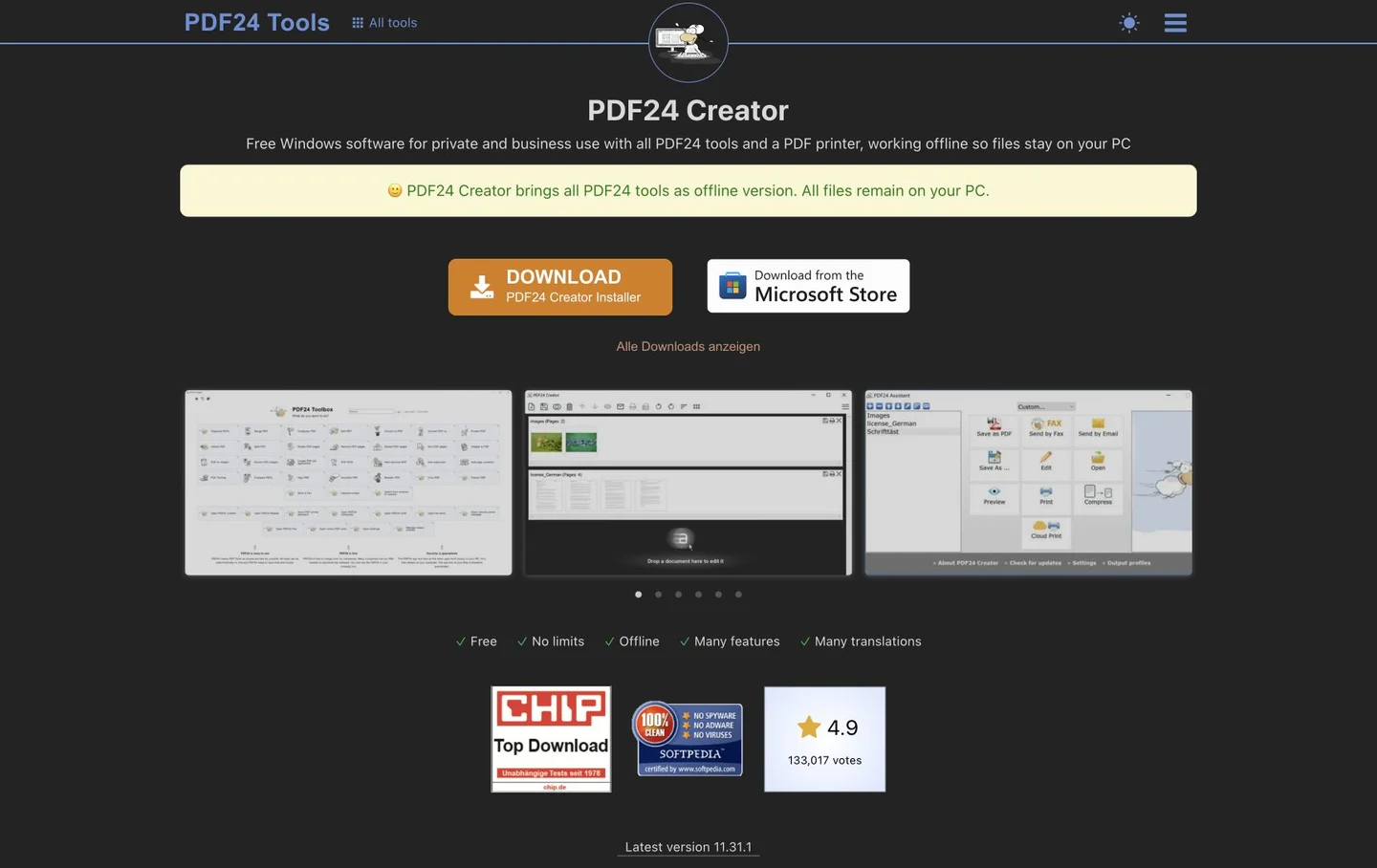
PDF24 Creator guide: offline PDF compression, merging and OCR
Compress PDFs, arrange pages and add searchable text to scans with a free Windows desktop tool. Distinguish Creator from the online tools.
Use PDF24 Creator when an attachment exceeds a submission limit or several scans need to become one PDF. The Windows application includes compression, merging, splitting, rotation and OCR. Its offline tools process documents on your PC; that is different from uploading to the similarly named PDF24 online tools. Work with a delivery copy, apply only the changes needed and inspect the saved result.
tools.pdf24.org
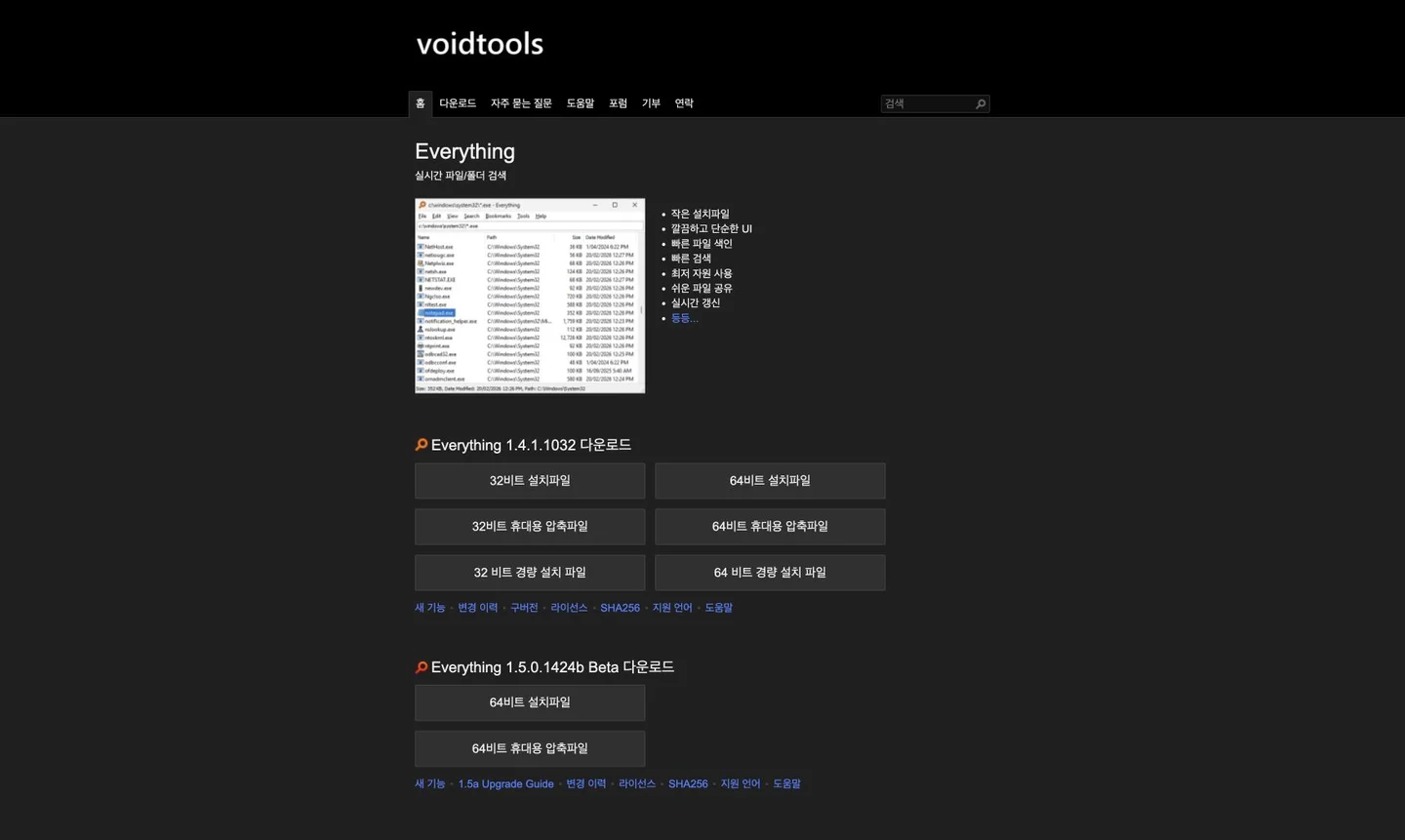
Everything guide: find Windows files by part of a name
Find a forgotten download or document by name, extension and path with a free Windows search tool. Check setup and index coverage.
If finding an old PDF means opening folder after folder, try searching the filename first. Everything indexes Windows file and folder names and paths, narrowing results as you type. Combine part of a remembered name with an extension instead of recalling the complete filename. This differs from pre-indexing every sentence inside documents. Open a result or check its containing folder before organising it.
www.voidtools.com
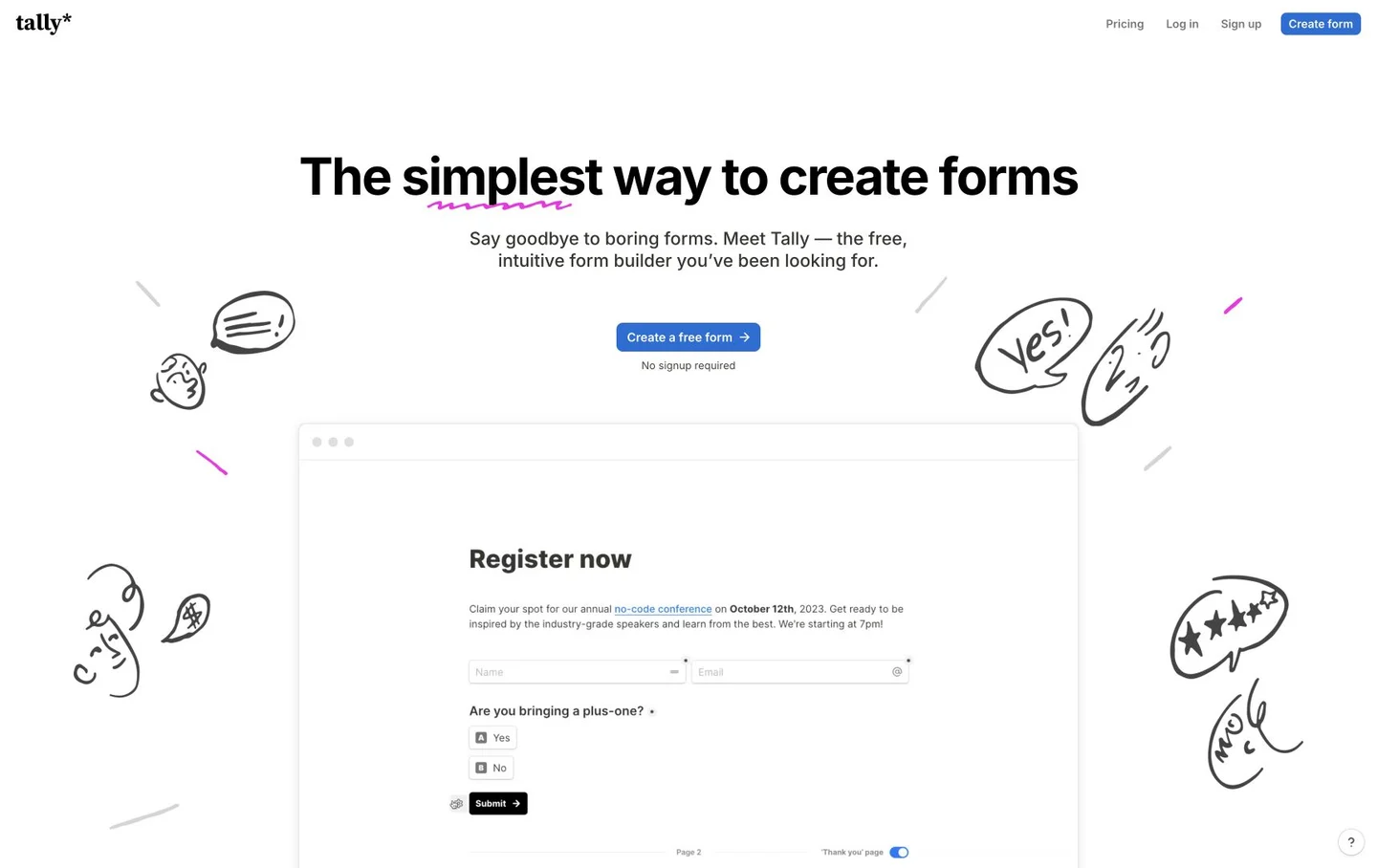
Tally: create registration forms and surveys
Build event registrations, contact forms and surveys in a document-style editor. Check free-plan limits and how files and responses are shared.
An event registration collected through messages can scatter names, choices and follow-up details across conversations. Tally turns questions typed in a document-style editor into a shareable form. You can show different questions for different answers and review submissions together. Start with the information you actually need and decide who should see it. This is an introduction to an external service; Kitvilo does not collect or store the responses.
tally.so
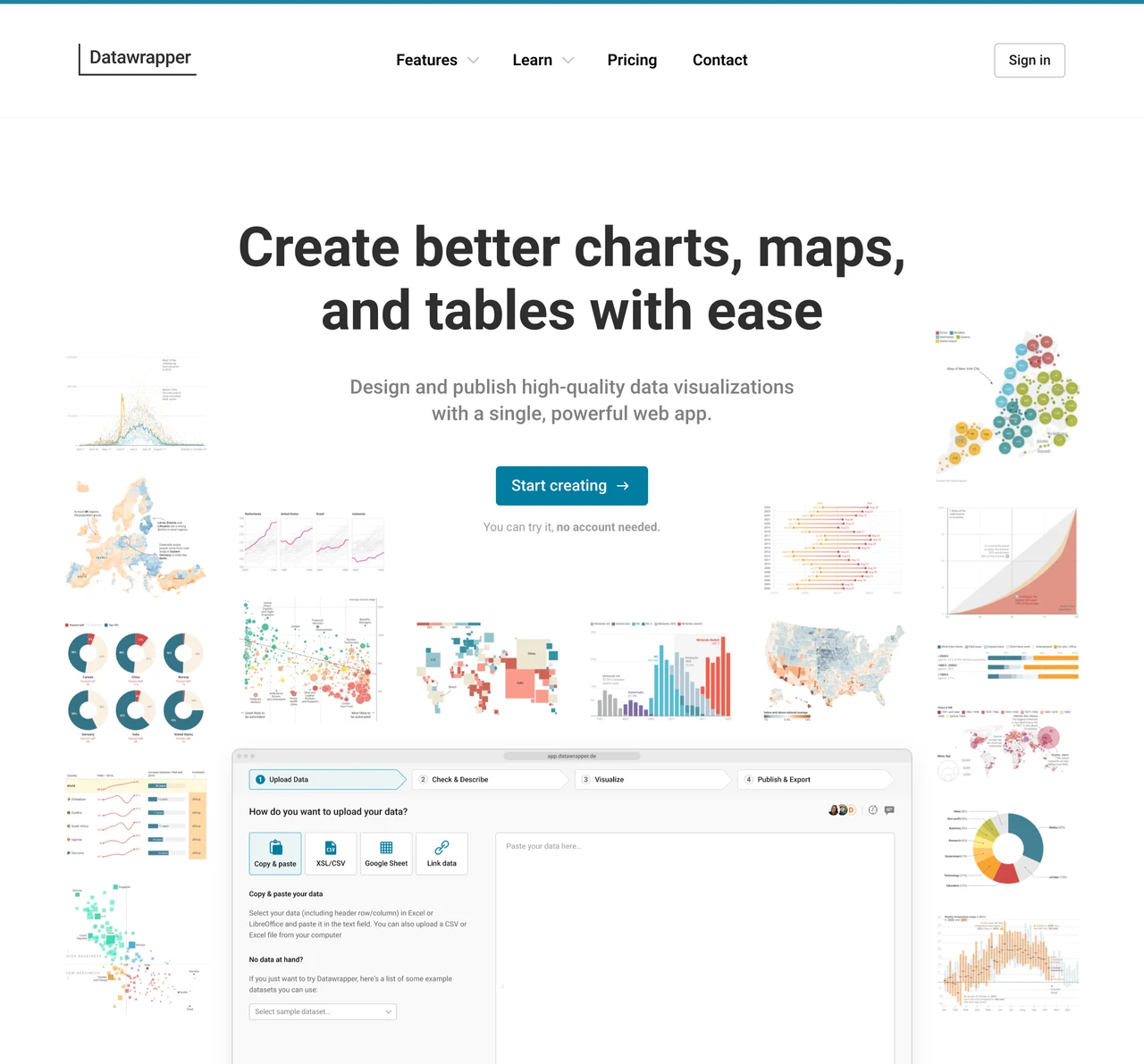
Datawrapper guide: turn Excel and CSV data into charts, maps and tables
Create visualizations from tabular data, publish them on the web or export PNG images. Compare the free plan with paid output options.
When a spreadsheet contains the numbers but the report still lacks a clear message, start with the question: compare categories, show change over time or explain a geographic pattern. Datawrapper provides a browser workflow for importing data, checking types and building a visualization with context. It is an external service, not a local-only file processor. Prepare a shareable copy rather than uploading customer details or confidential figures without checking your organisation’s rules.
www.datawrapper.de
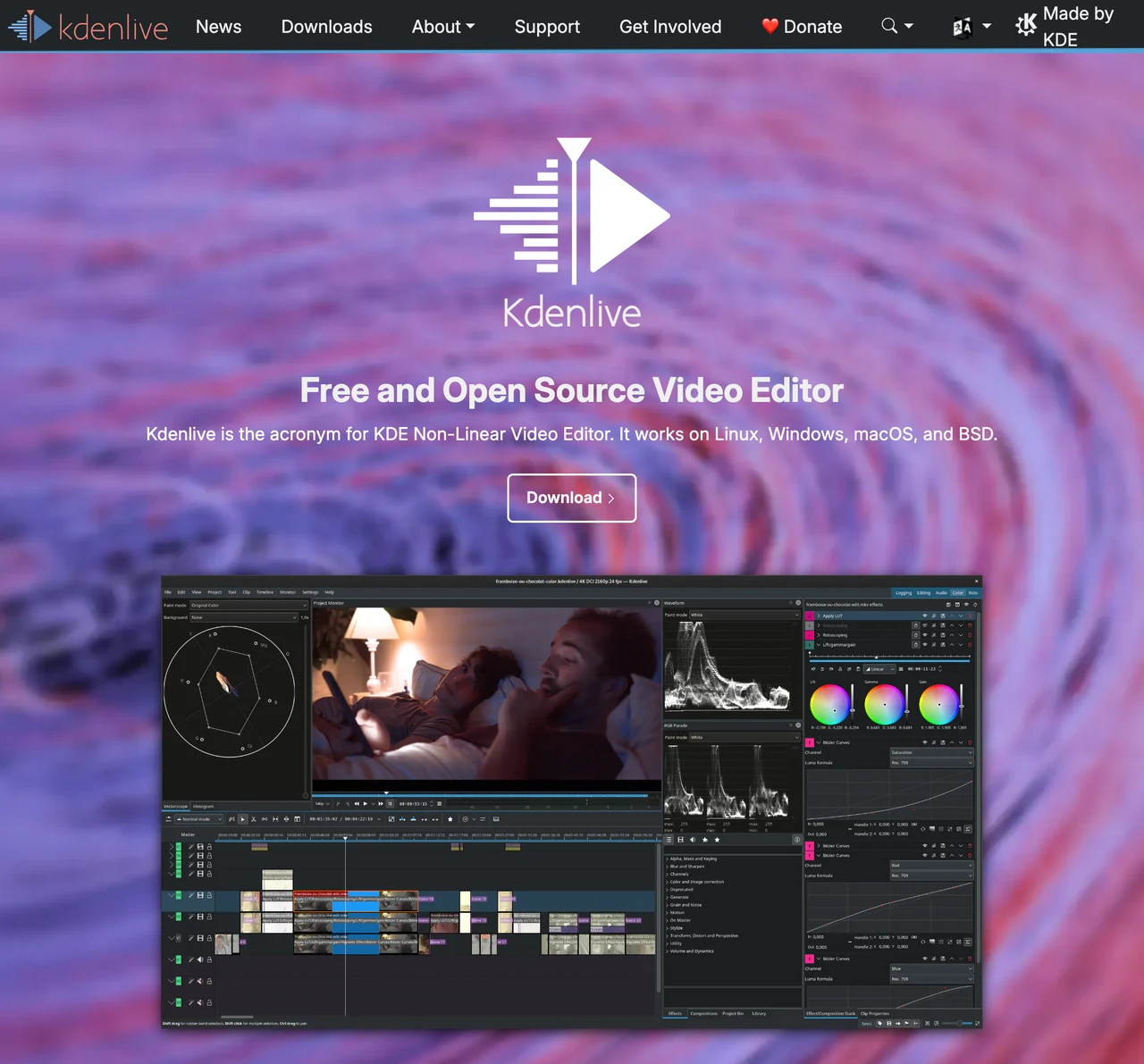
Kdenlive guide: free video editing, subtitles and timeline export
Cut and arrange multiple video and audio tracks with a free open-source editor. Learn to manage projects and source media before rendering the final video.
Unlike OBS for recording or HandBrake for converting an existing file, Kdenlive assembles scenes and sound on a timeline. Use it to remove unwanted lecture segments or add titles and music to recorded footage. Separate original media, editable project and delivery file before starting. Saving a project is not the same as exporting a playable video, and the media referenced by the project still needs to be managed.
kdenlive.org
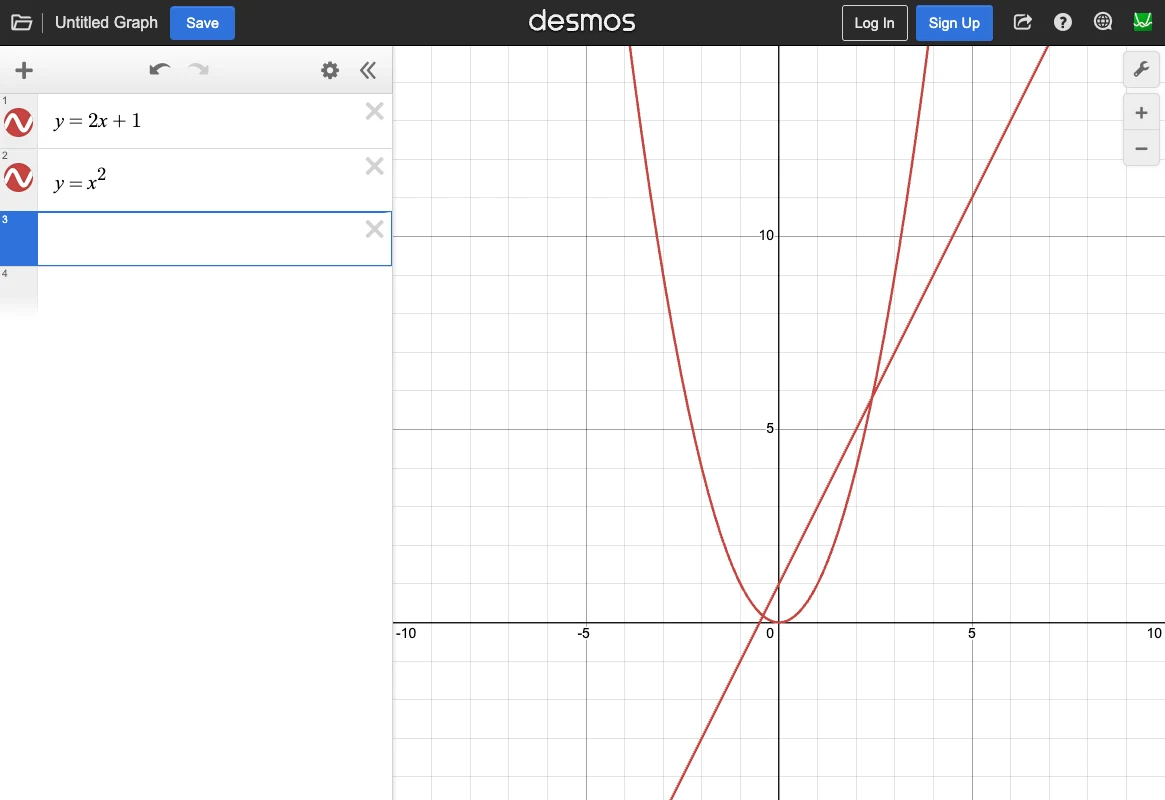
Desmos Guide: Plot Functions, Coordinates and Intersections
A free web graphing calculator for expressions, points and tables. Explore variable changes and compare several functions.
When a numeric answer does not explain a function’s shape, plotting it can help. Desmos places lines, curves and coordinate tables on a shared graph. Basic graph entry can start without installation or login; account saving and exam permissions are separate. Use it to inspect relationships by changing expressions and ranges rather than as a substitute for proof or every symbolic solution.
www.desmos.com
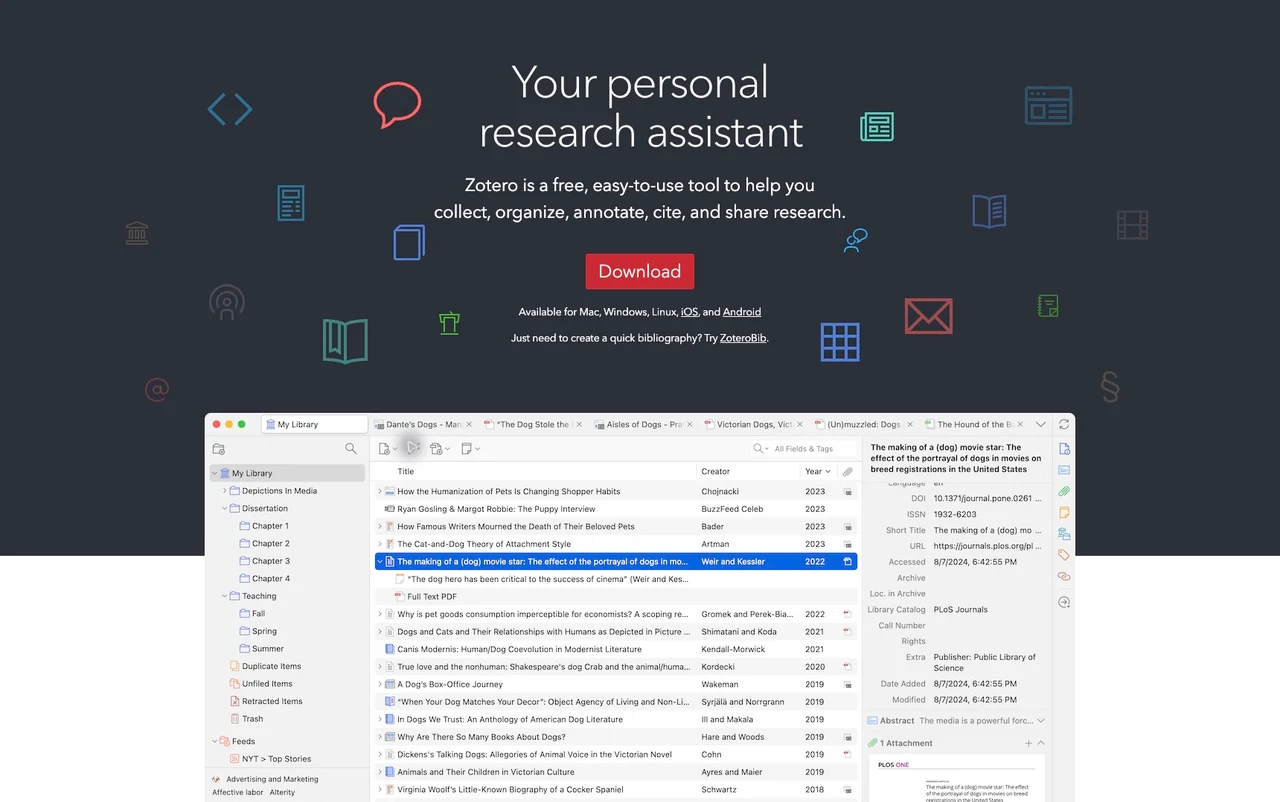
Zotero Guide: Organize Papers, PDFs and Bibliographies
A free research manager for bibliographic records, PDF annotations, citations and reference lists. Attachment cloud storage has a separate allowance.
If papers pile up in Downloads and you repeatedly look up authors or publication years, a reference manager can help. Zotero links bibliographic records with PDFs, notes and document citations. Imported metadata still needs review; it does not read the research for you or guarantee accurate references. Start by separating local organization from optional account and file-sync services.
www.zotero.org
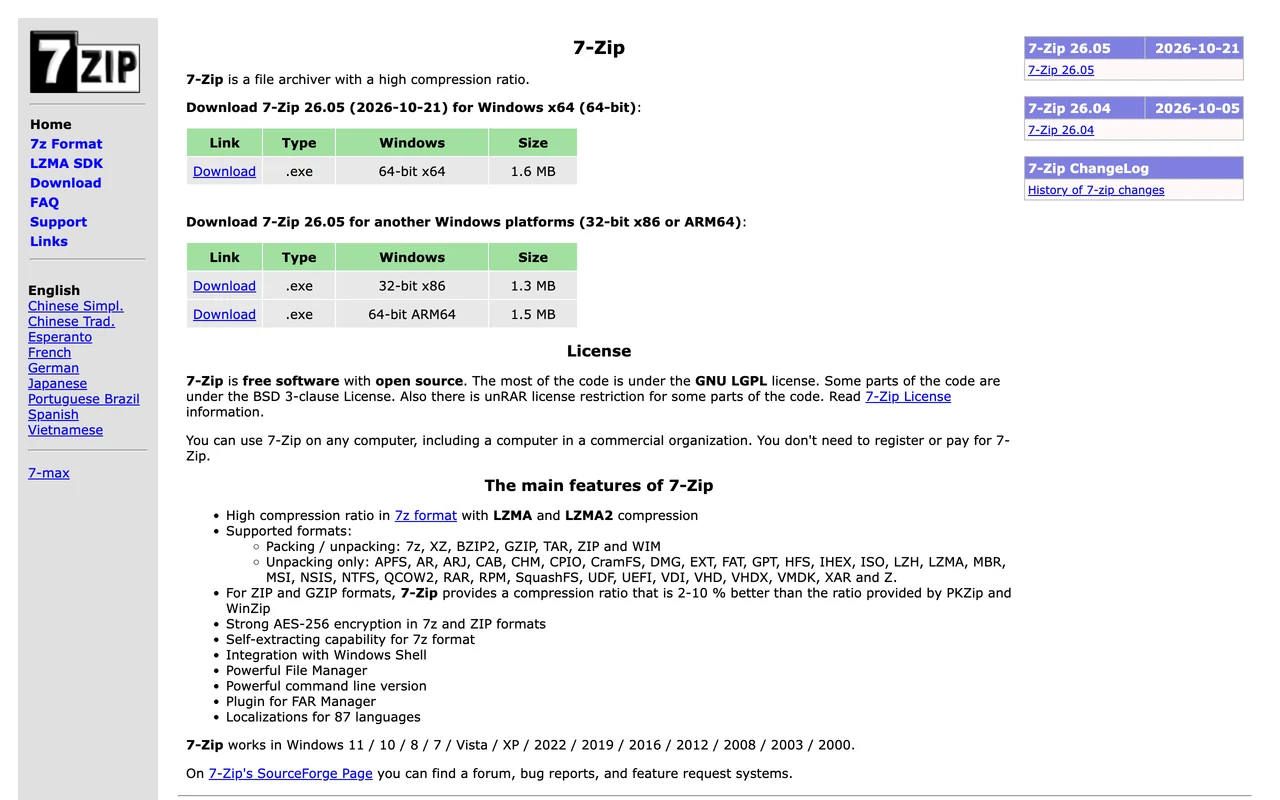
7-Zip guide: create ZIP and 7z archives and extract RAR files
A free program for creating ZIP/7z archives and extracting many formats. Choose separately between the Windows GUI and official macOS/Linux console packages.
Use an archiver to bundle documents for sharing or extract a downloaded archive into a separate folder. The formats it can create and those it can open are not identical. Consider the recipient’s device and application, compatibility and keeping originals, rather than focusing only on a smaller file size.
www.7-zip.org
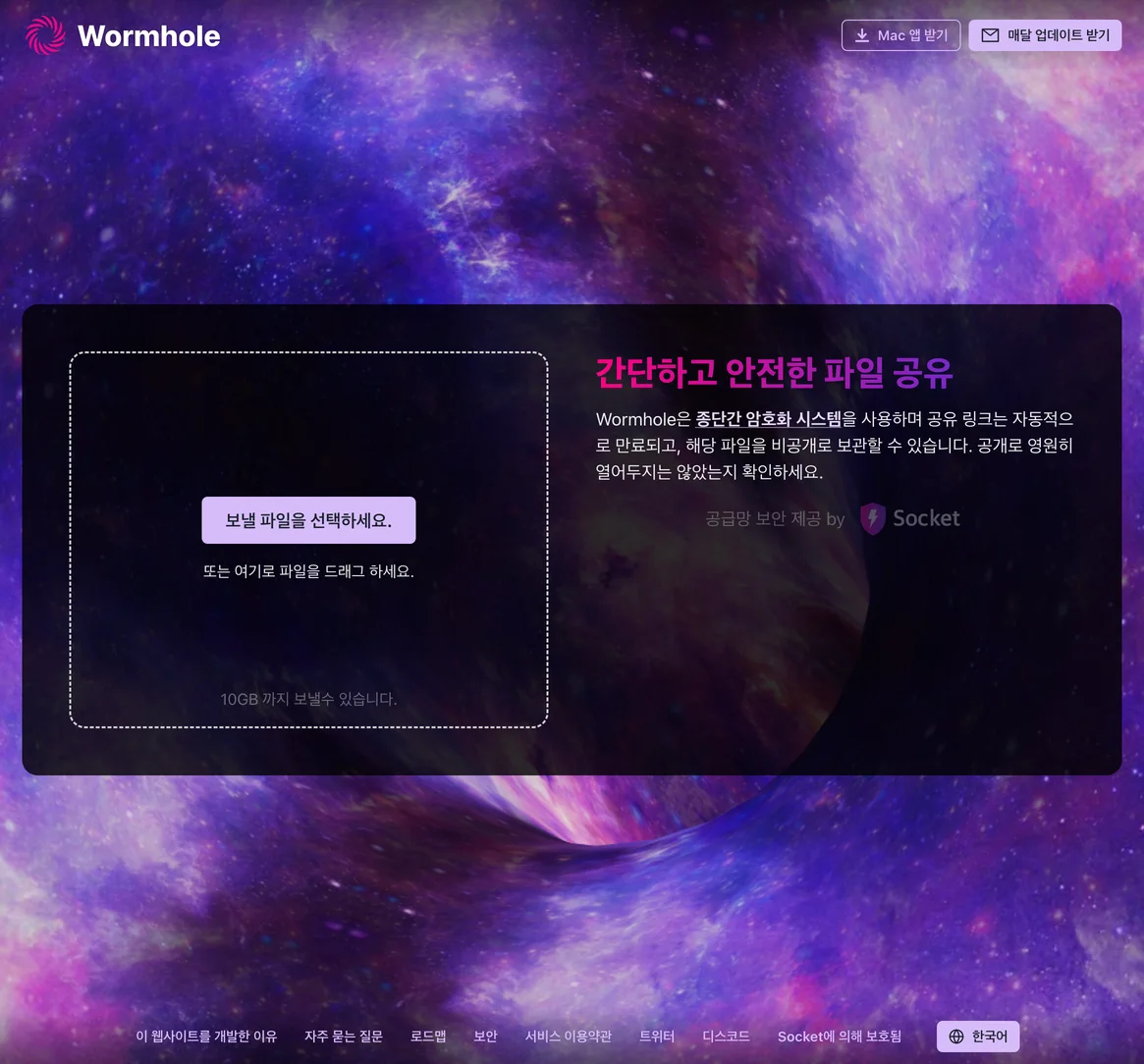
Wormhole guide: share large files by link and understand expiry
A browser service for sharing files up to 10 GB with end-to-end encryption and expiring links.
Consider Wormhole for sending a file to someone elsewhere or downloading it briefly on another device. Starting in a browser differs from permanent cloud storage or a local-network transfer app. Before choosing it, check when the recipient will connect and whether the sending tab can stay open, not only the headline size limit.
wormhole.app
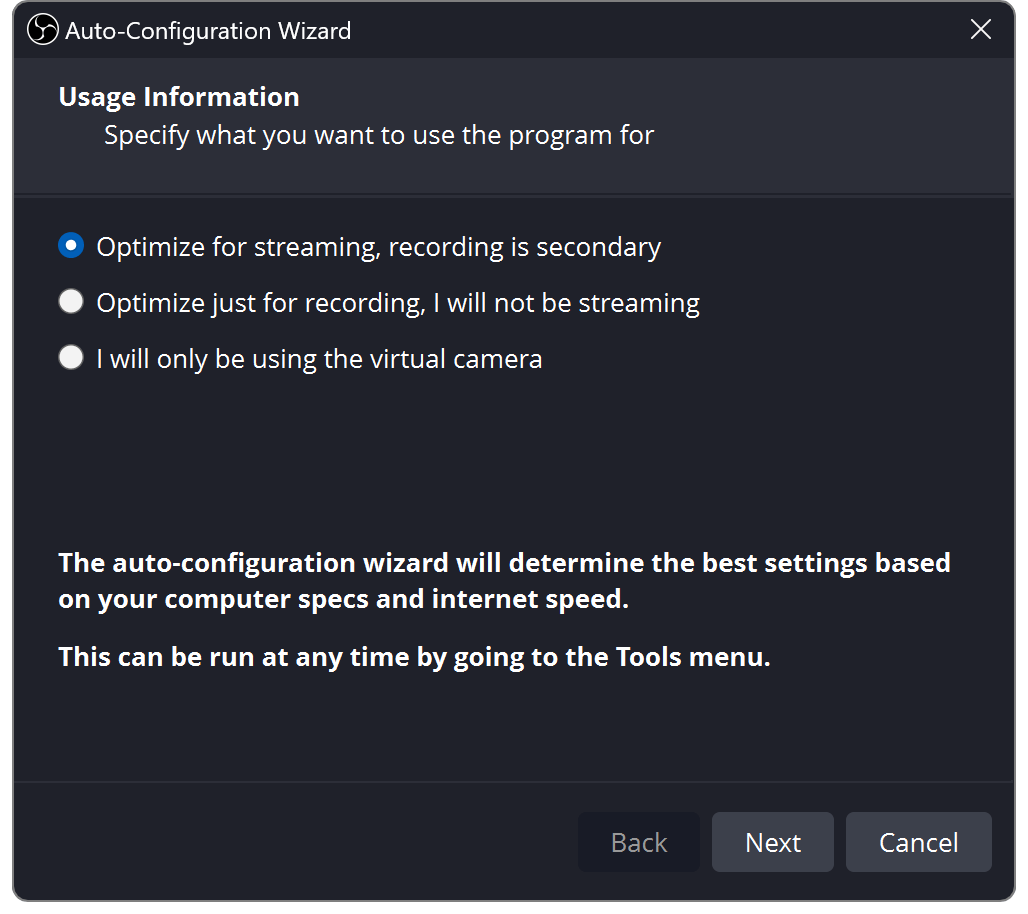
OBS Studio guide: record your screen, desktop audio and microphone
Free, open-source software for recording or streaming scenes built from screen, window, game, webcam, and audio sources.
Check the official download page for an installer that matches your operating system and its requirements. Use the Auto-Configuration Wizard, create a scene, add display/window/game/webcam sources, and check the audio meters. Set a recording path and output settings, then make a short test recording and inspect the file.
obsproject.com
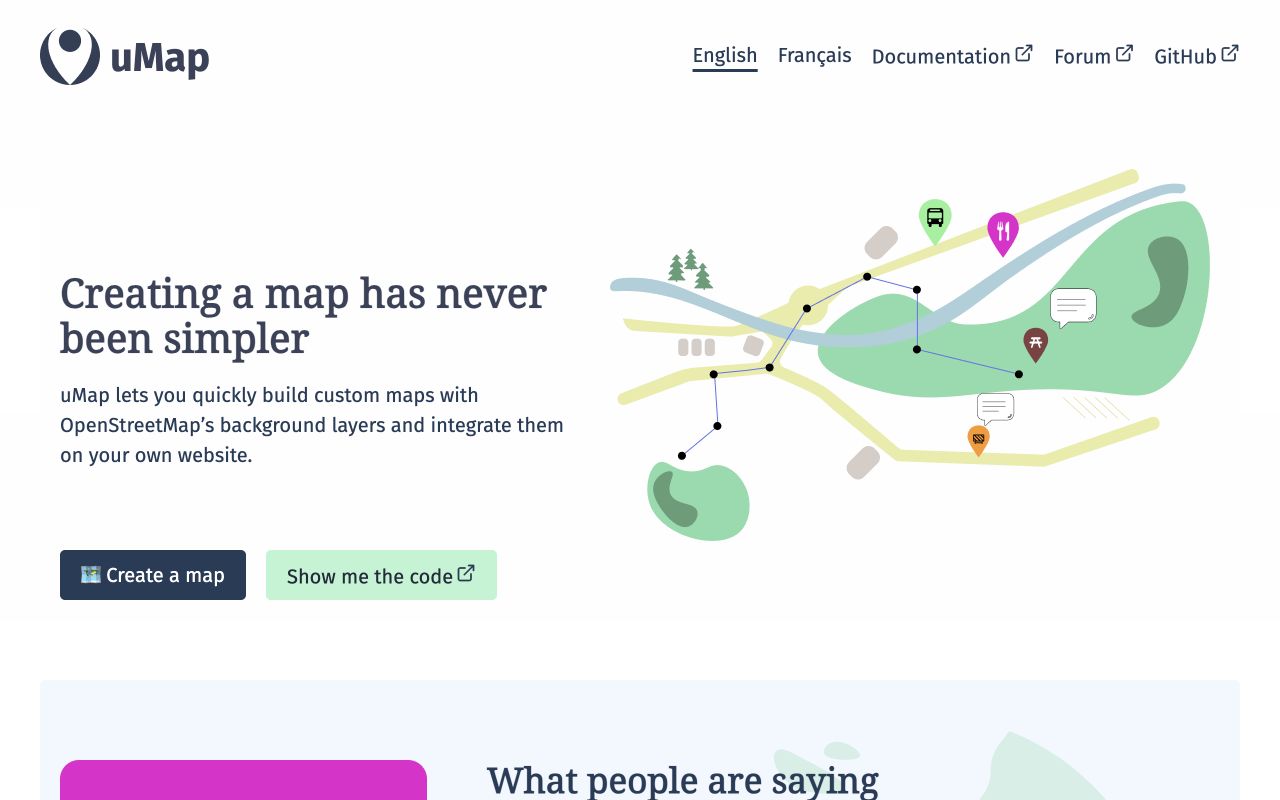
uMap: Create and Share an OpenStreetMap
Create and share web maps with OpenStreetMap backgrounds, markers, lines, areas, and data layers.
Choose an instance from the official project page and create a map. Add markers, lines, or polygons, or import supported spatial data as layers and adjust their styling. Review visibility and edit permissions before sharing or embedding. uMap creates shareable maps of places, routes and areas over OpenStreetMap. It suits event directions or local information, but a drawn line is not automatically navigation or a safe route. Choose an instance and check its operator, sign-in and save rules.
umap-project.org
VLC: Play Video, Music, Discs, and Network Streams
VLC is VideoLAN's free, open-source media player for most files, discs, and network streams.
VLC is VideoLAN's media player for video and audio files, discs, and streams. Choose the app for your platform on the official page.
www.videolan.org
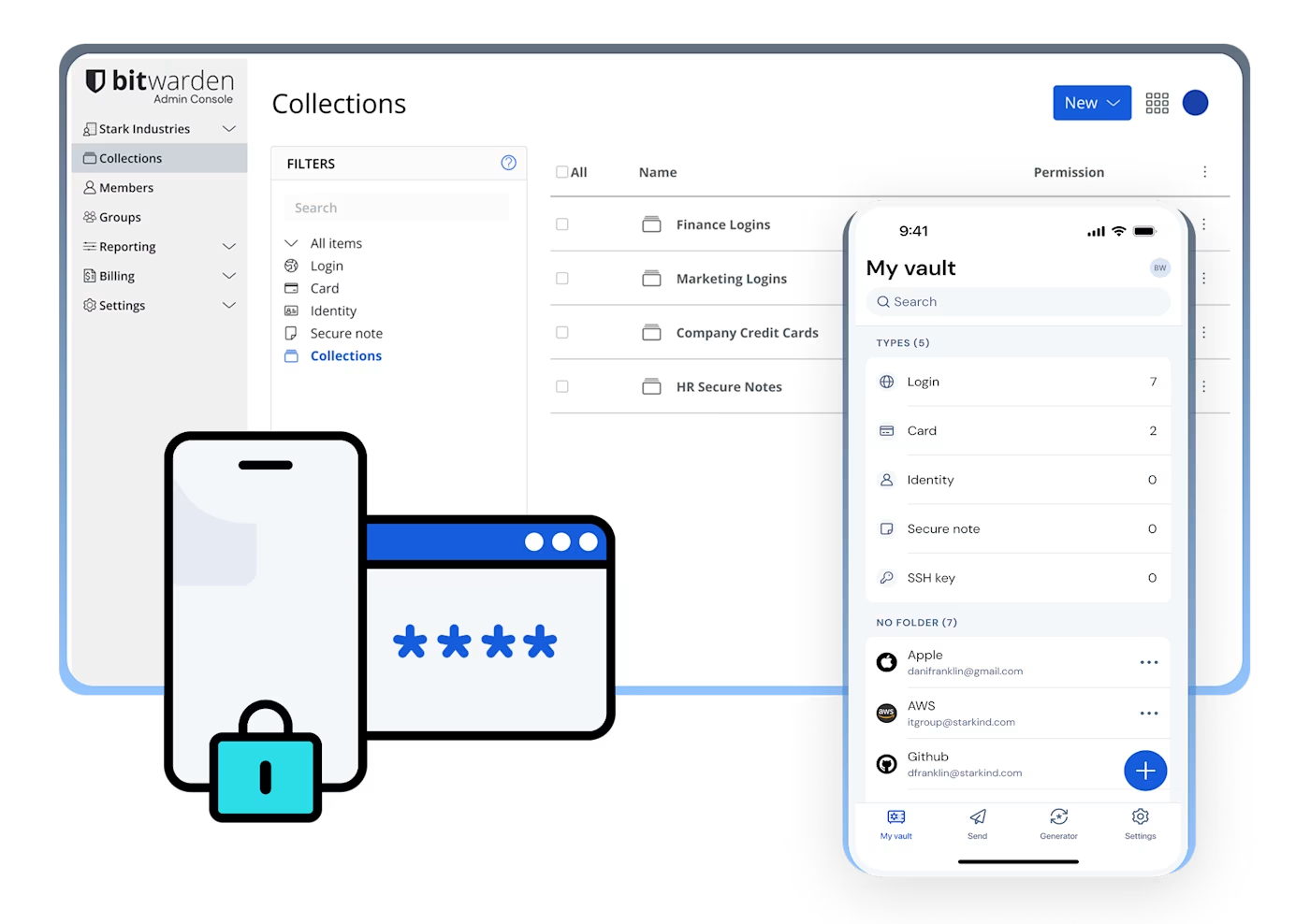
Bitwarden: Save and Autofill Passwords
A password manager for storing and finding saved logins across your devices and browsers.
Store logins by account and find them again on your devices or in your browser. Choose an app or browser extension from the official page.
bitwarden.com
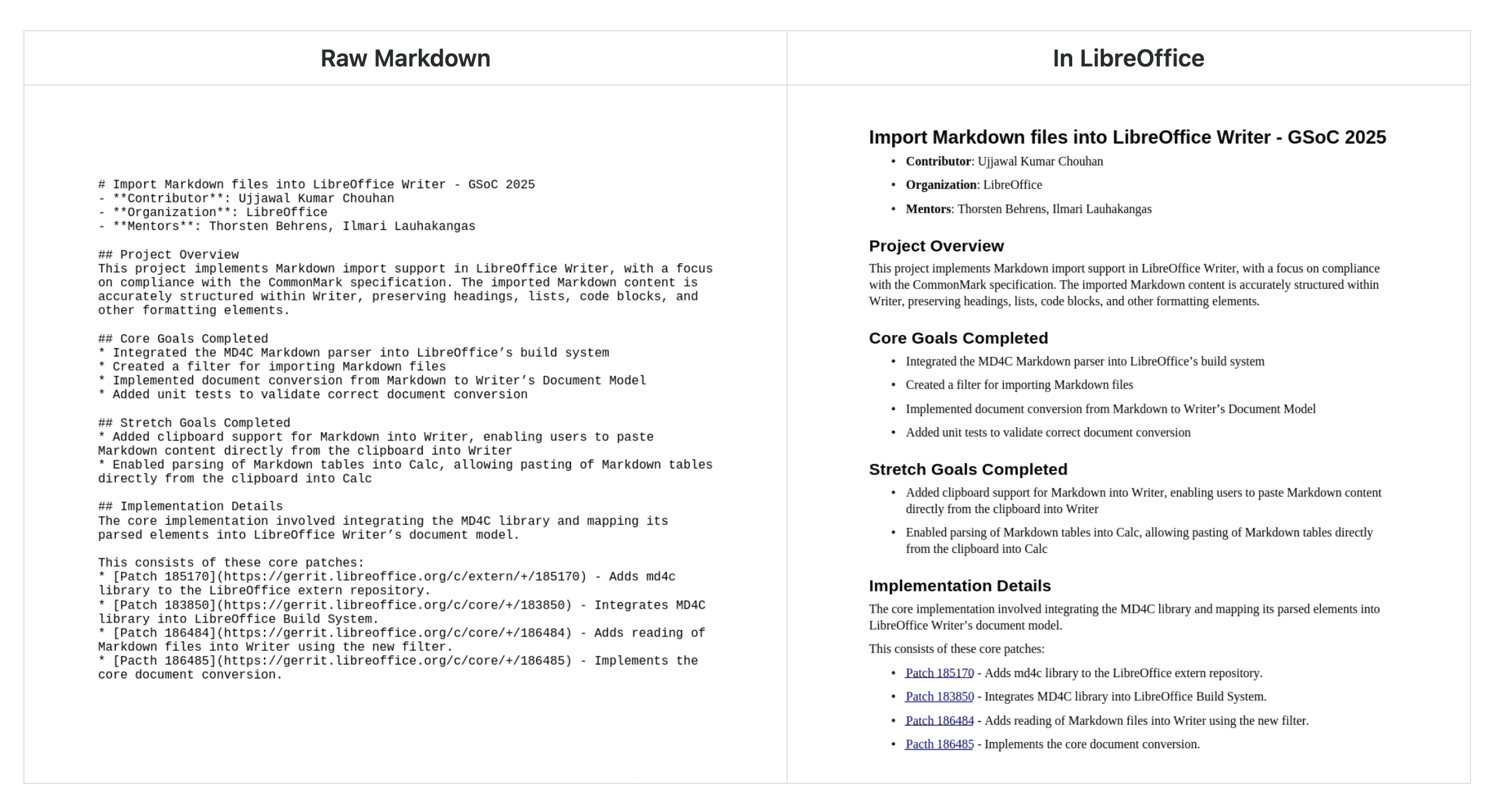
LibreOffice: Create Documents, Spreadsheets, and Presentations
An installable office suite with Writer for documents, Calc for spreadsheets and Impress for presentations.
Choose Writer for documents, Calc for spreadsheets and Impress for presentations. The suite also includes Draw, Base and Math.
www.libreoffice.org
Audacity: Edit and Export Audio
A free, open-source editor for cutting voice or music, adjusting volume and exporting audio files.
Download the app for your OS from the official site. Open a file, select a section, trim or apply volume effects, then export a separate audio file.
www.audacityteam.org
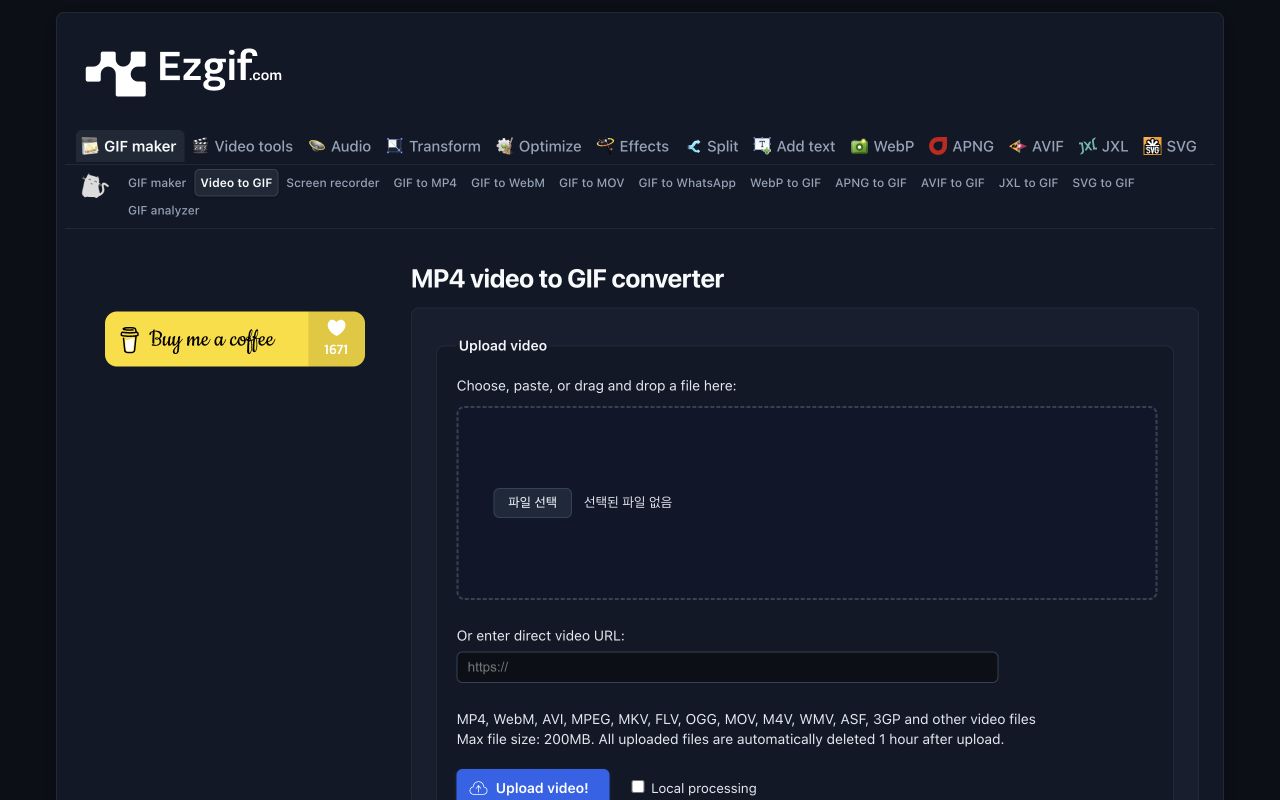
EZGIF: Convert Video to GIF and Adjust File Size
Convert a video segment to GIF and adjust its dimensions, frame rate and file size.
Choose a video and enable Local processing when available. Set the start/end times, size and FPS, select Convert to GIF, then save the result.
ezgif.com
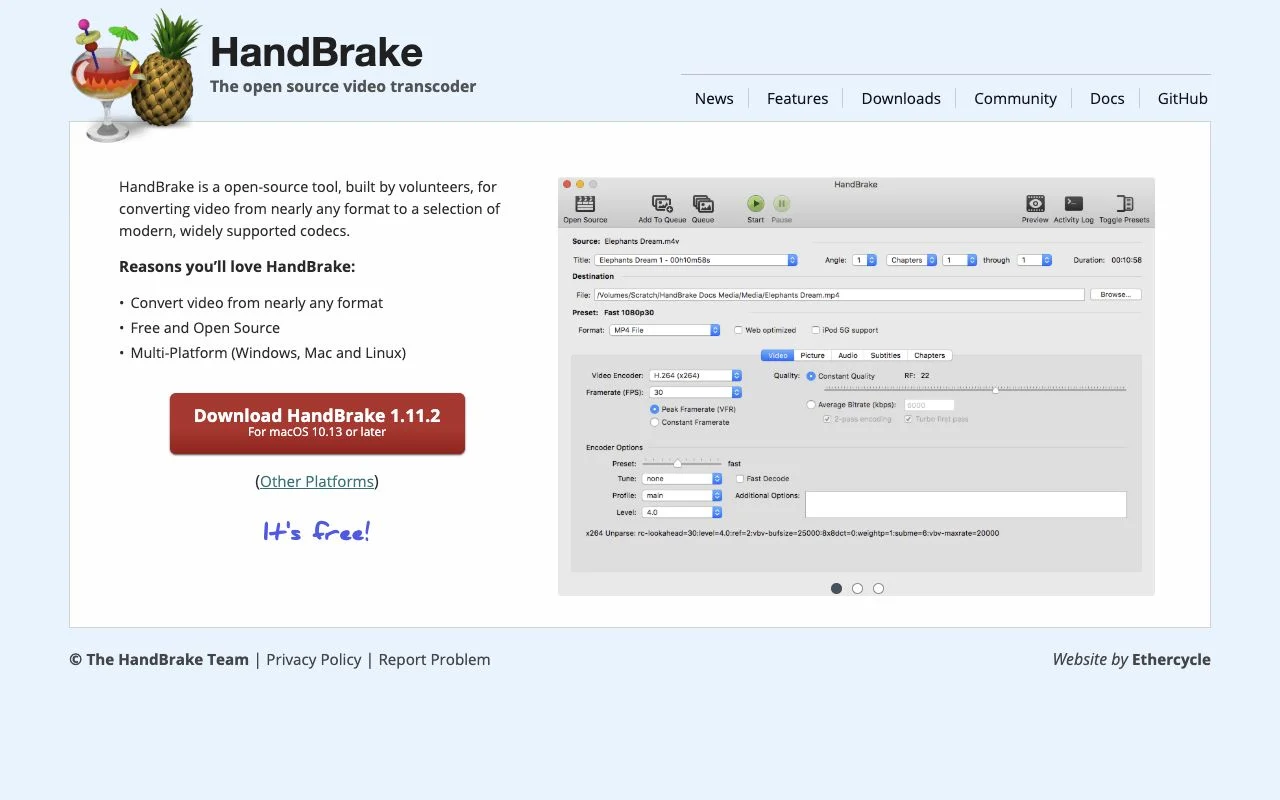
HandBrake guide: reduce video file size and adjust quality
An installable tool to convert your videos to MP4, MKV or WebM and adjust quality and dimensions.
Open a source in the official app, choose a preset, resolution and quality, set the destination and encode.
handbrake.fr

Penpot: Create UI Designs, Wireframes, and Prototypes
An open-source browser tool for UI design, wireframes, prototypes and collaboration.
Create a cloud account, arrange frames and shapes in a file, then connect prototypes and share the design. Penpot is a design workspace for UI wireframes, components and clickable team prototypes, not a promise of a finished application. In the cloud service, choose the account/team, create a project and file, and confirm which team owns it.
penpot.app
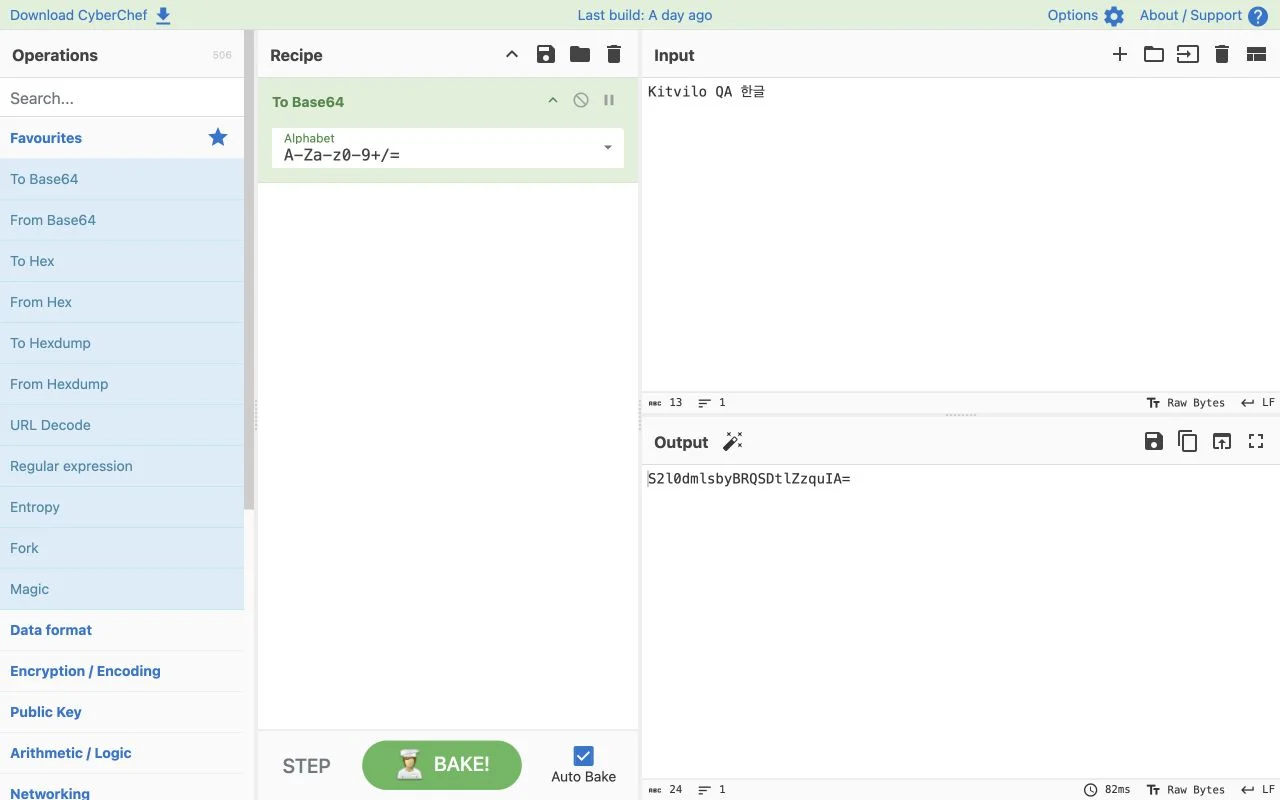
CyberChef: Convert Base64, URLs, and Hex Data
Chain Base64, URL, Hex and other text or data operations into recipes.
Put data in Input, add an operation such as To Base64 to Recipe and inspect Output.
gchq.github.io
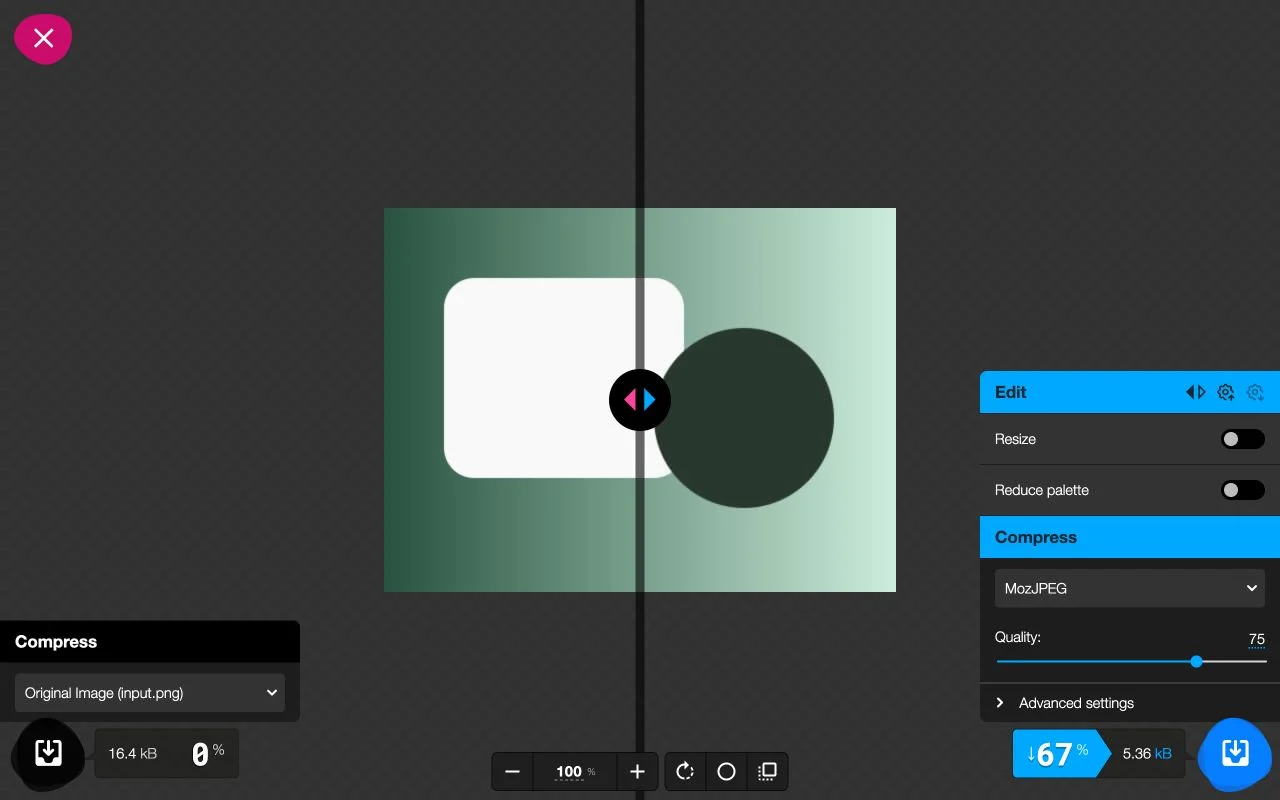
Squoosh: Compress Images and Compare Quality
Compare original and compressed images while adjusting format, quality and dimensions.
Open an image, choose output format and quality, inspect the comparison and download the result. Use Squoosh to balance image weight and visible loss for web photos or illustrations. First check whether pixel dimensions exceed the intended display size. Resizing and lowering quality are different decisions: choose useful dimensions before tuning compression.
squoosh.app
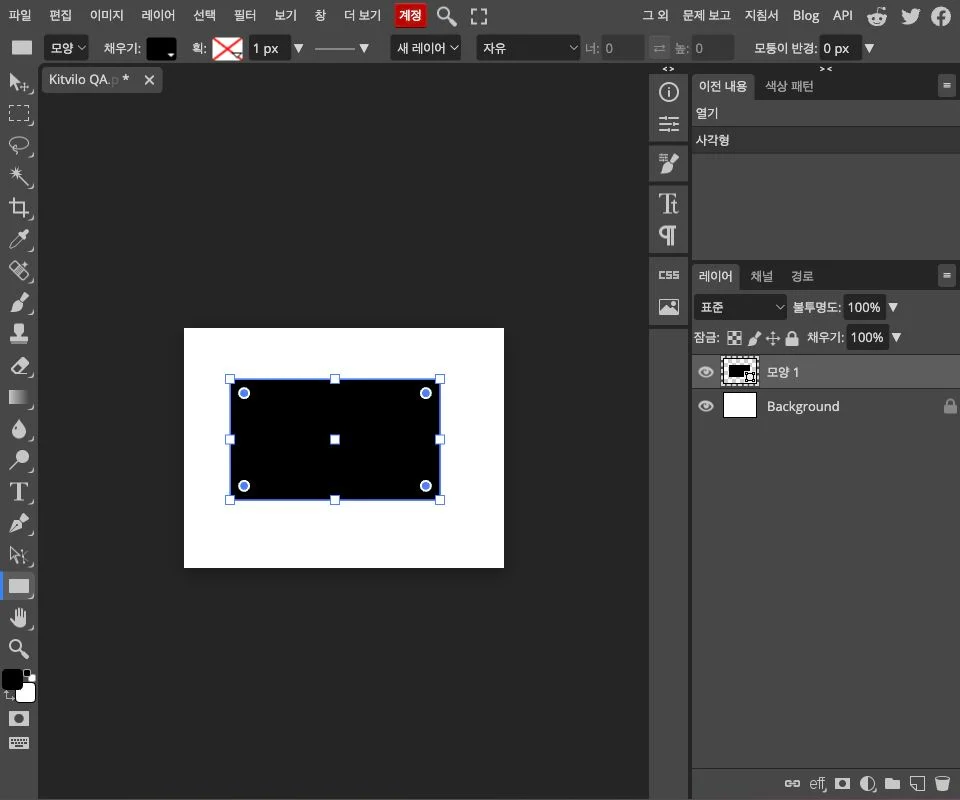
Photopea: Edit Images with Layers and Masks
Edit images, PSD documents, layers and masks in a browser-based graphics editor.
Open a file or create a document, edit layers, then save the PSD source or export PNG or JPG. Choose Photopea for layered work such as adding captions to photos or combining several images, rather than just reducing file size. Set the final canvas dimensions for a new document. When opening a PSD, first inspect layer order and font appearance.
www.photopea.com
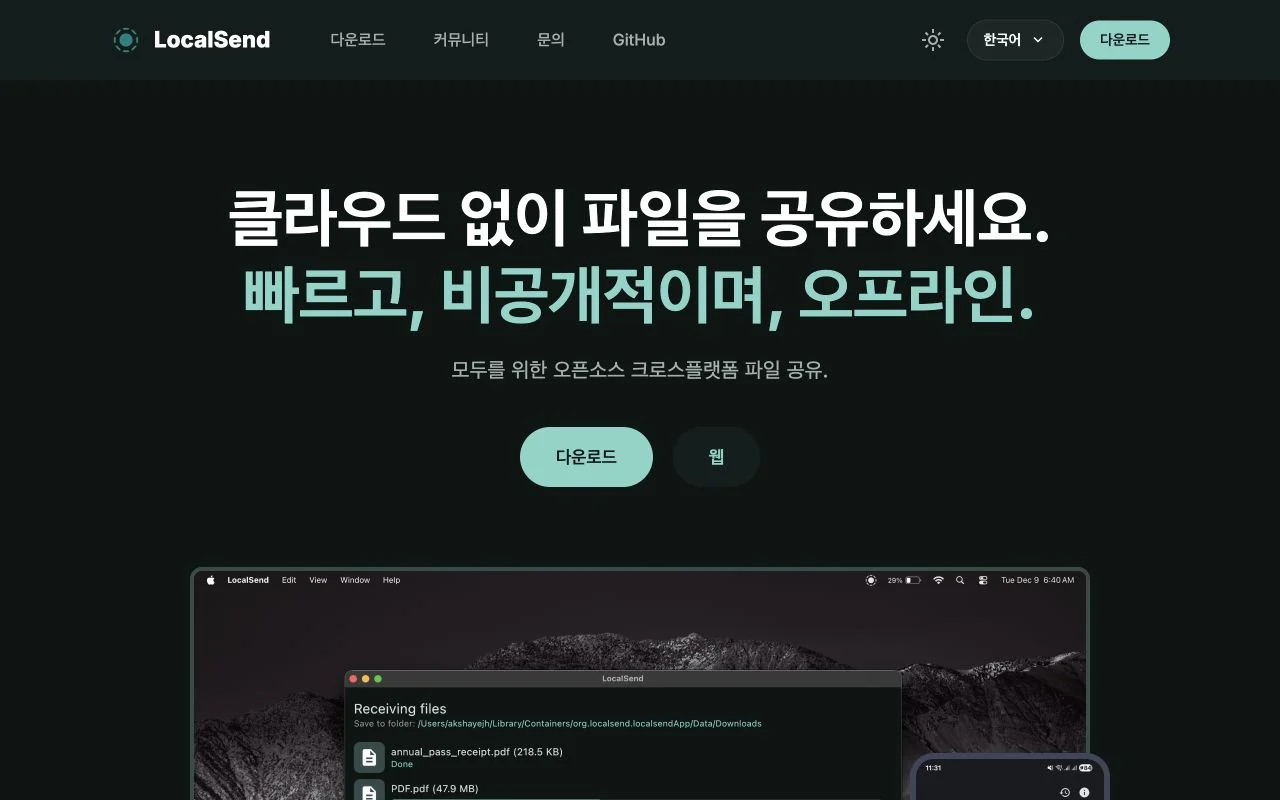
LocalSend: Share Files Across Devices on One Network
Send files and text between phones and computers on the same local network.
Open the app on both devices, select files and the receiving device, then accept the transfer.
localsend.org
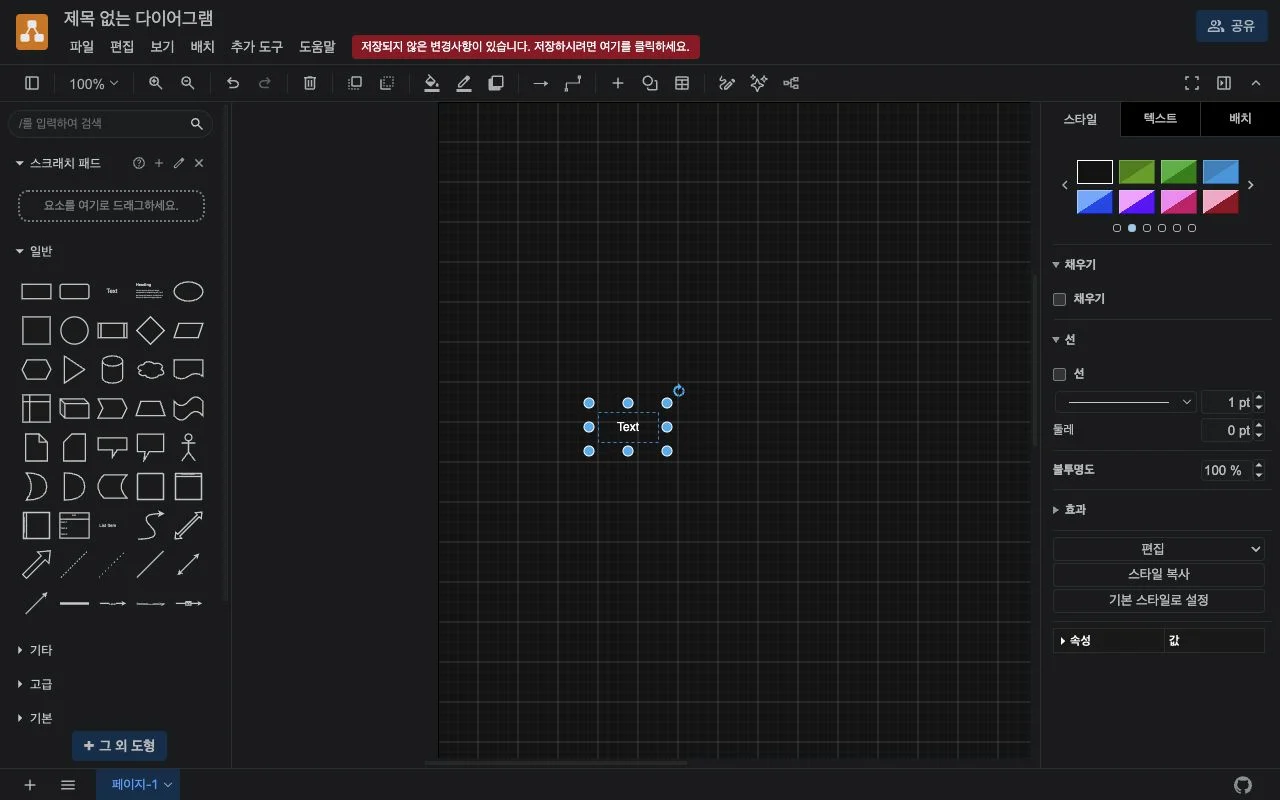
draw.io: Create Flowcharts and System Diagrams
Build flowcharts, organisation charts and system diagrams with shapes and connectors.
Arrange shapes and connectors, then keep an editable .drawio file and export PNG, SVG or PDF. Use draw.io for structured flowcharts, organization charts and system relationships. Choose a save location and a meaningful file name first. Device storage and connected online storage have different permission and recovery implications.
app.diagrams.net
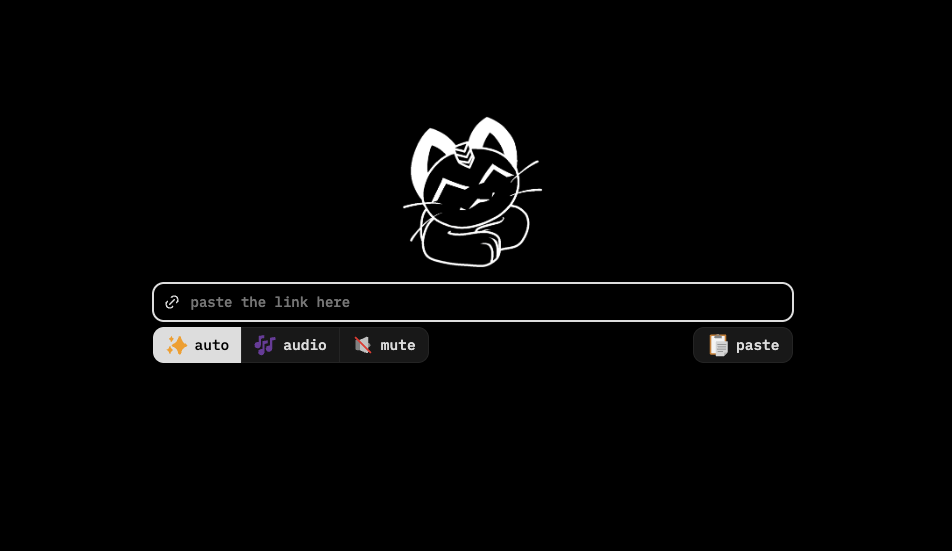
Cobalt: Save Media from Links You’re Allowed to Use
An introduction to a web tool for saving video, audio and photos from supported public media links.
Read the official support list and terms, and use only public links you have permission to save.
cobalt.tools
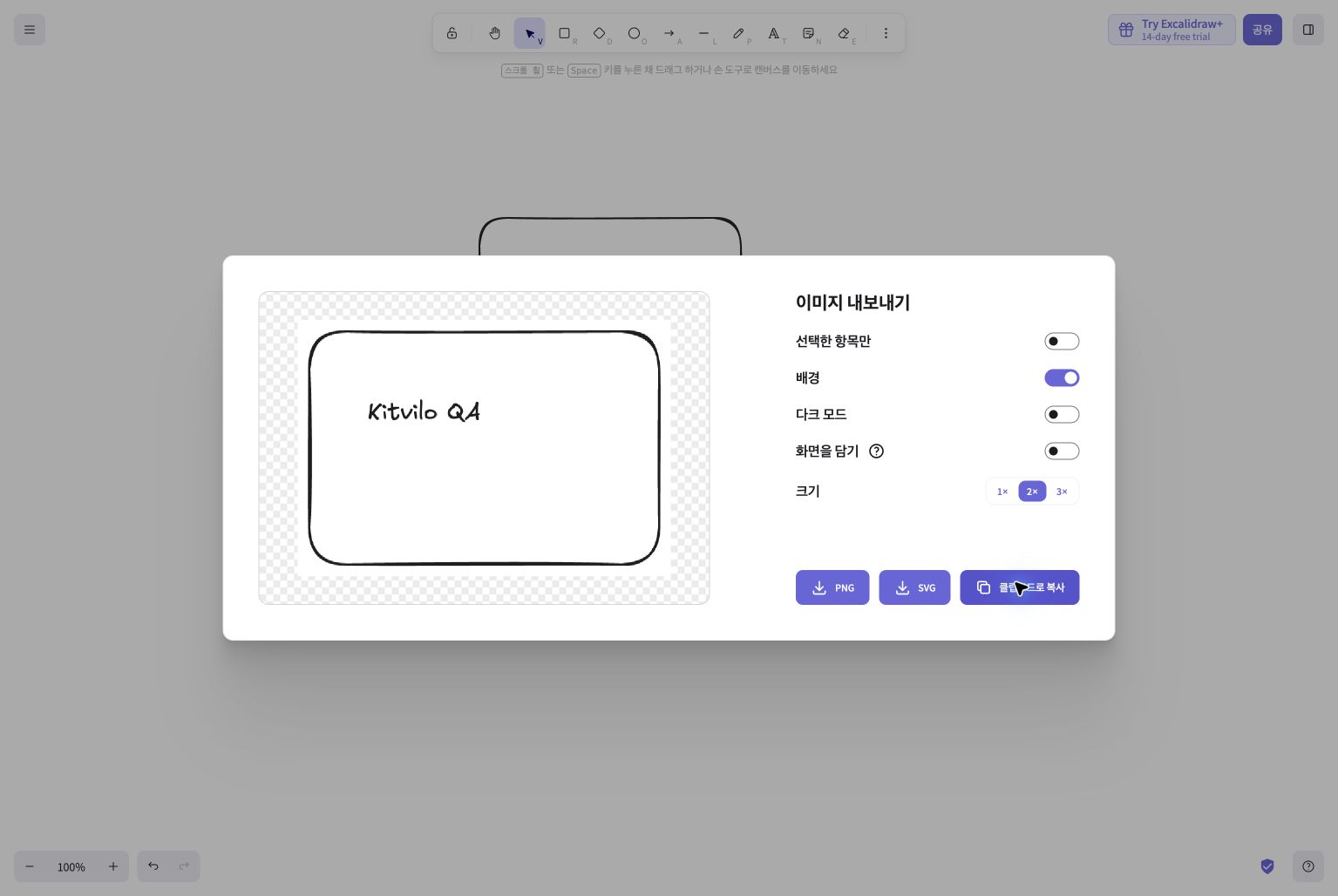
Excalidraw: Sketch Diagrams and Whiteboards
A web whiteboard for flowcharts and ideas using hand-drawn shapes, arrows and text.
Place shapes and text, then choose format and background in the image export menu. Excalidraw suits quick meeting sketches, system relationships and user flows with a hand-drawn style. Define the point of the drawing and start with a few named objects; it is not a precision drafting workflow.
excalidraw.com
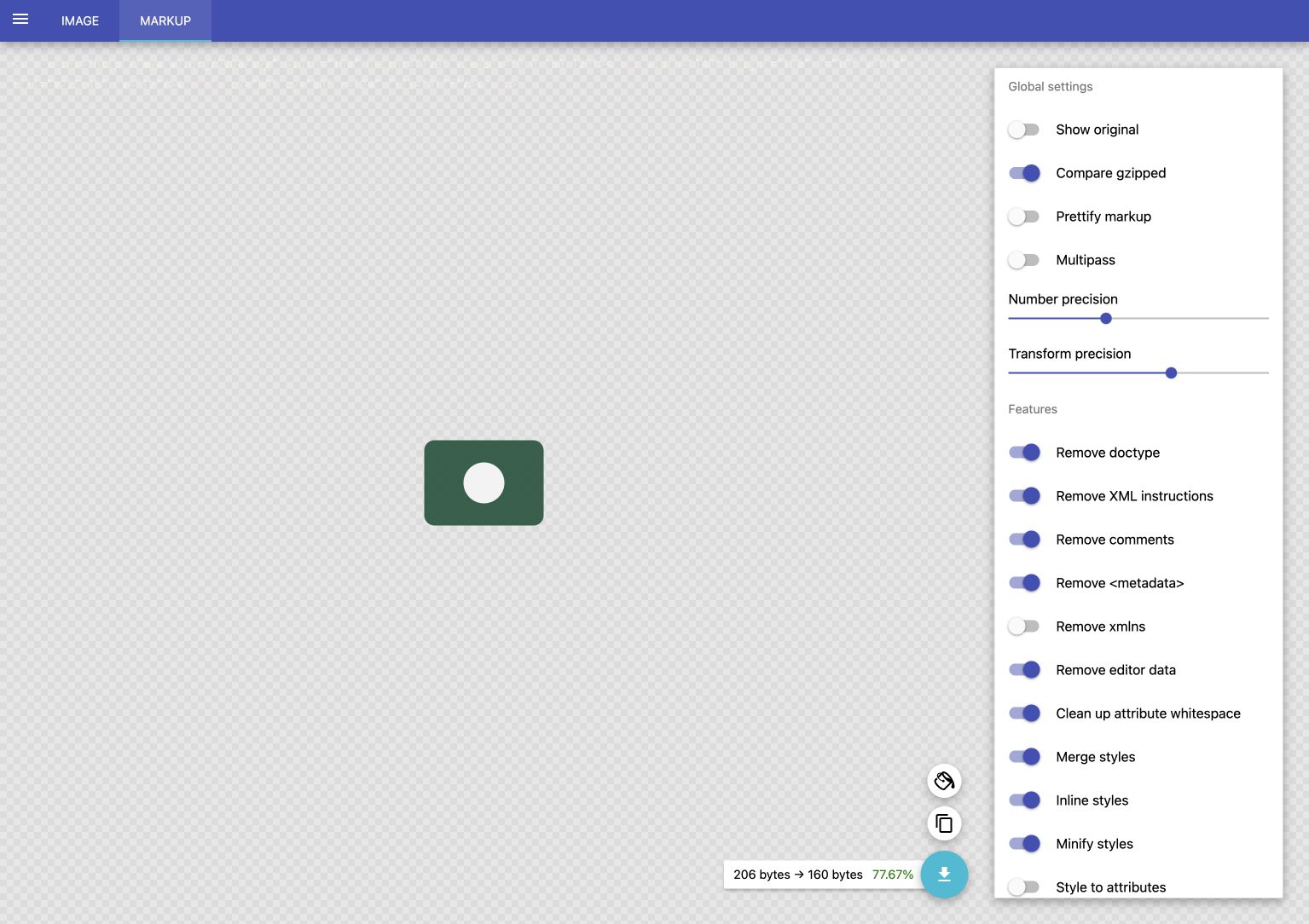
SVGOMG: Optimize SVG Code and Compare Results
Preview SVG while reducing unnecessary code and numeric precision with SVGO.
Open SVG or paste markup, adjust the options, then save the result. SVGOMG is a web interface to SVGO for reducing an existing SVG’s code. It is not a drawing editor or a PNG vectorizer. Copy the original, then use Open SVG or Paste markup.
jakearchibald.github.io
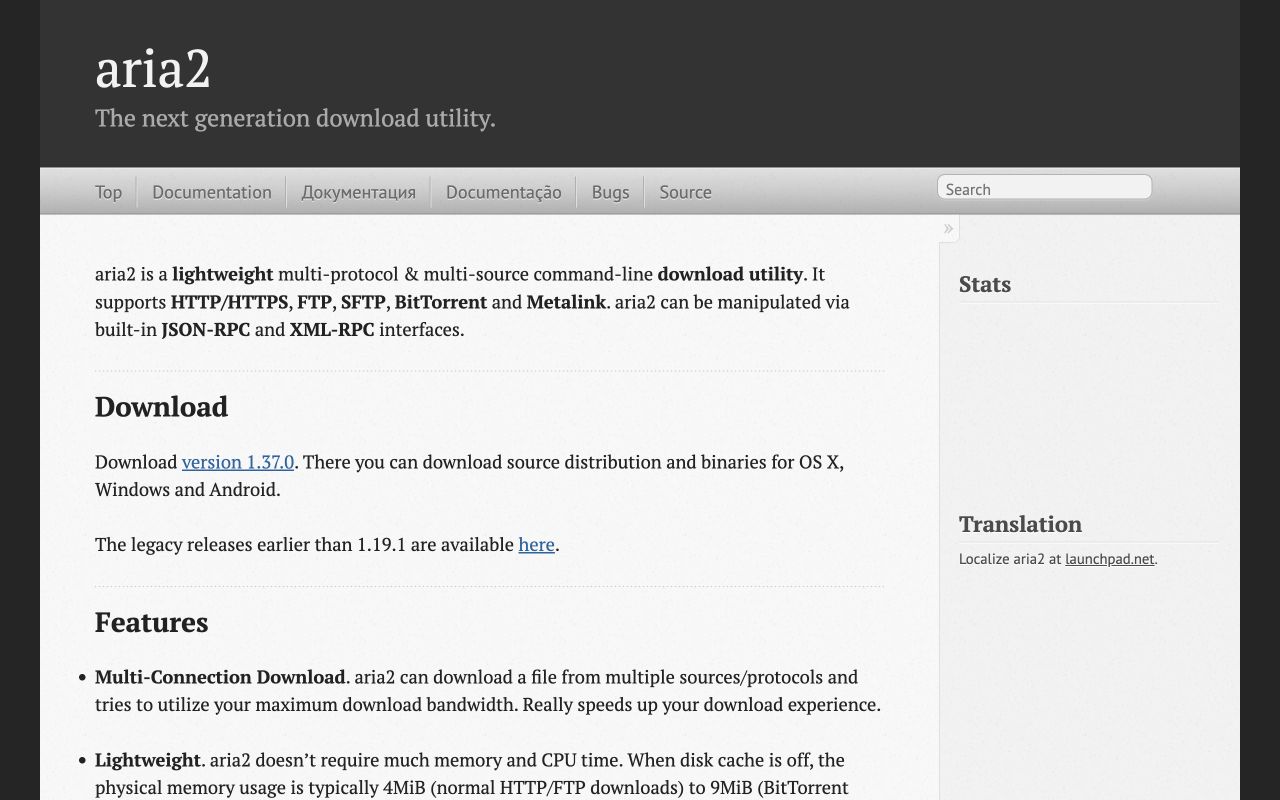
aria2: Download Files from the Command Line
An installable command-line file downloader supporting multiple protocols.
aria2 is a command-line downloader supporting HTTP, HTTPS, FTP, SFTP and Metalink. This page introduces its official repository and documentation; downloads run on your own device.
github.com
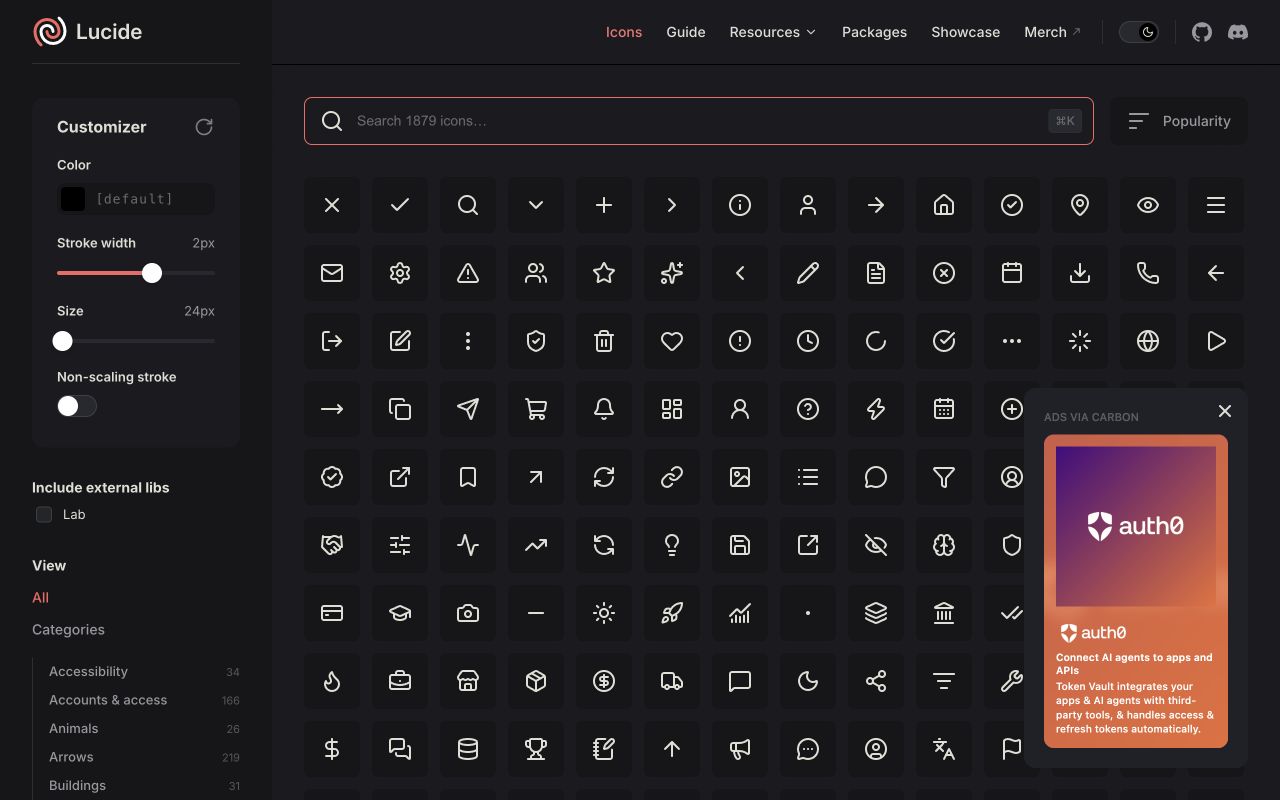
Lucide: Find SVG Icons for Your Project
An icon collection for finding SVG icons and using them in development.
Lucide provides SVG icons with a consistent stroke style. Search by name, preview an icon and use SVG files or development packages.
lucide.dev
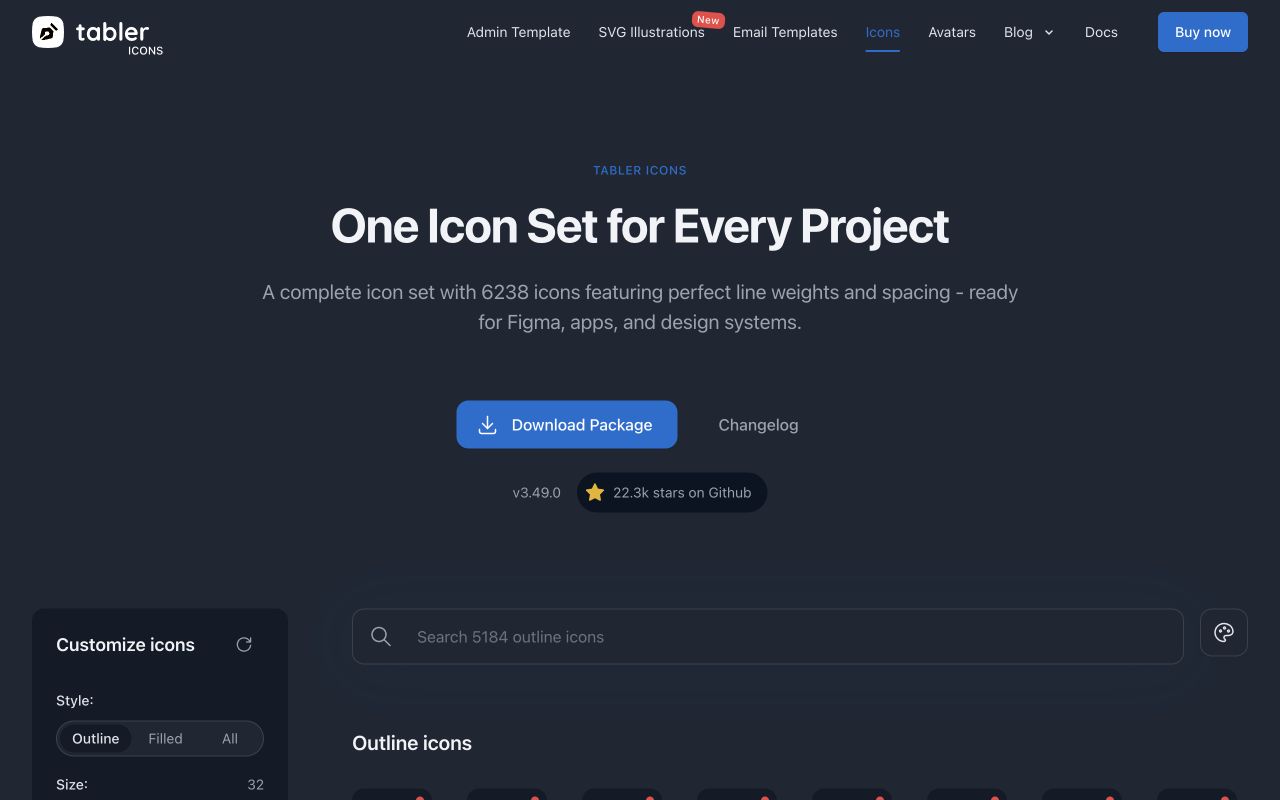
Tabler Icons: Find and Customize SVG Icons
Search outline and filled icons and inspect size, stroke and colour.
Tabler Icons lets you search SVG icons and explore Outline and Filled styles. Inspect them with different sizes, stroke widths and colours.
tabler.io

Fruit Box: Make Ten in the Apple Puzzle
A browser puzzle: drag a rectangle around numbered apples that add up to ten.
In Gamesaien’s Fruit Box, select a rectangle of numbered apples that totals ten. Drag on a computer or use touch on a phone, then watch the timer and score as you plan your next group.
www.gamesaien.com

Freegame.build Fruit Game: How to Play
A third-party browser fruit puzzle: merge matching fruit and work toward a watermelon.
The third-party game currently linked at Freegame.build asks you to drop fruit into a box, merge matching fruit, and make a watermelon. Click to place fruit on a computer or tap on a phone, and keep the pile from overflowing.
freegame.build
No tools match your search.
External websites are independent. Respect copyright and platform rules. Editorial selection; individual links have not yet all been verified.